Adding another MCP server to Era
Connect another service's MCP server to Era and use its tools in chats and agents.
It works the other way too: if a service you use has an MCP server (an analytics tool, your own in-house system…) you can add it to Era. Era discovers the server's tools, and your chats and the agents you choose can use them.
Where
Settings → AI → MCP servers (/settings/integrations/mcp). You can also reach it with the "Manage external MCP servers Era can use" button on the Apps → MCP export tab.
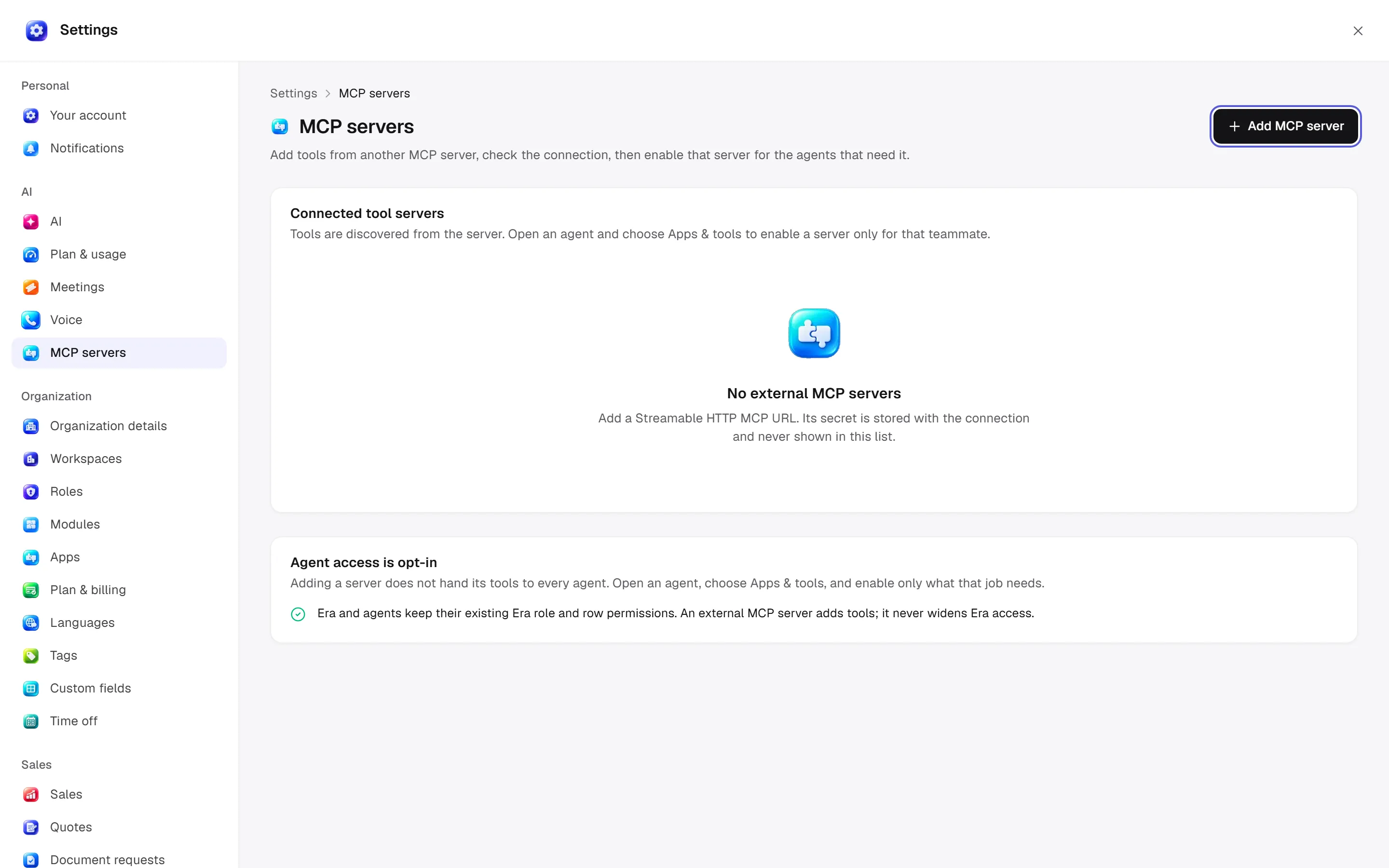
Adding a server
Add MCP server
Click Add MCP server at the top of the page.
Fill in the details
- Name: a name you'll recognise, for example "Product analytics".
- Streamable HTTP URL: the server's address, for example
https://mcp.example.com/mcp. - Bearer token (optional): if the server needs a key. It is stored securely with the connection and never shown again.
Test & add
Era first tries the connection and lists the server's tools; it saves only when the connection works. On success you see how many tools were found.
The list shows each server's status (Connected or Needs attention) and its tool count. If the server added new tools, click Refresh.
Only servers with a Streamable HTTP address can be added. Local servers started with a command on your computer can't be added from this page.
Where the tools are used
- Chats: the tools of every enabled, not paused server in the workspace are offered to the AI in Era chats. Era makes each call for you; the server's key never lands on your computer or in your AI tool's settings.
- Agents: adding a server doesn't hand its tools to every agent. Open an agent, choose Apps & tools and turn on only the server that job needs. See Agents.
Safety and approvals
- A tool that plainly reads runs straight away.
- Any tool that sends, deletes, pays, publishes, or whose name doesn't say what it does needs write access to the workspace and first opens an approval card. Choose Always allow on the card and that tool runs without asking next time.
- An external server adds tools; it never widens your access in Era: Era and agents keep their existing role and record permissions.
More: Apps and integrations · Era MCP server · Settings paths