Assistants and event agents
Create a teammate, choose its triggers and inspect run outcomes.
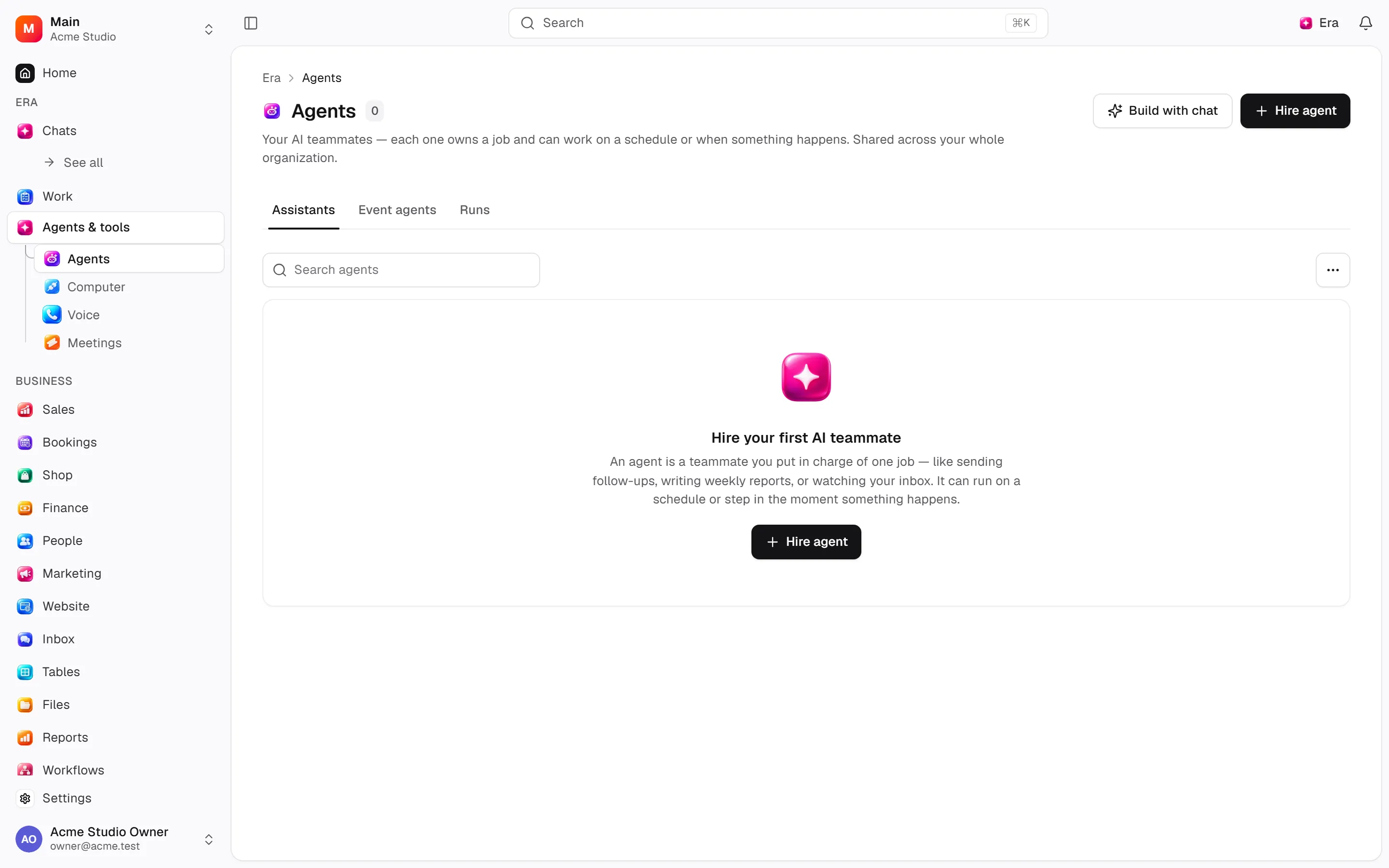
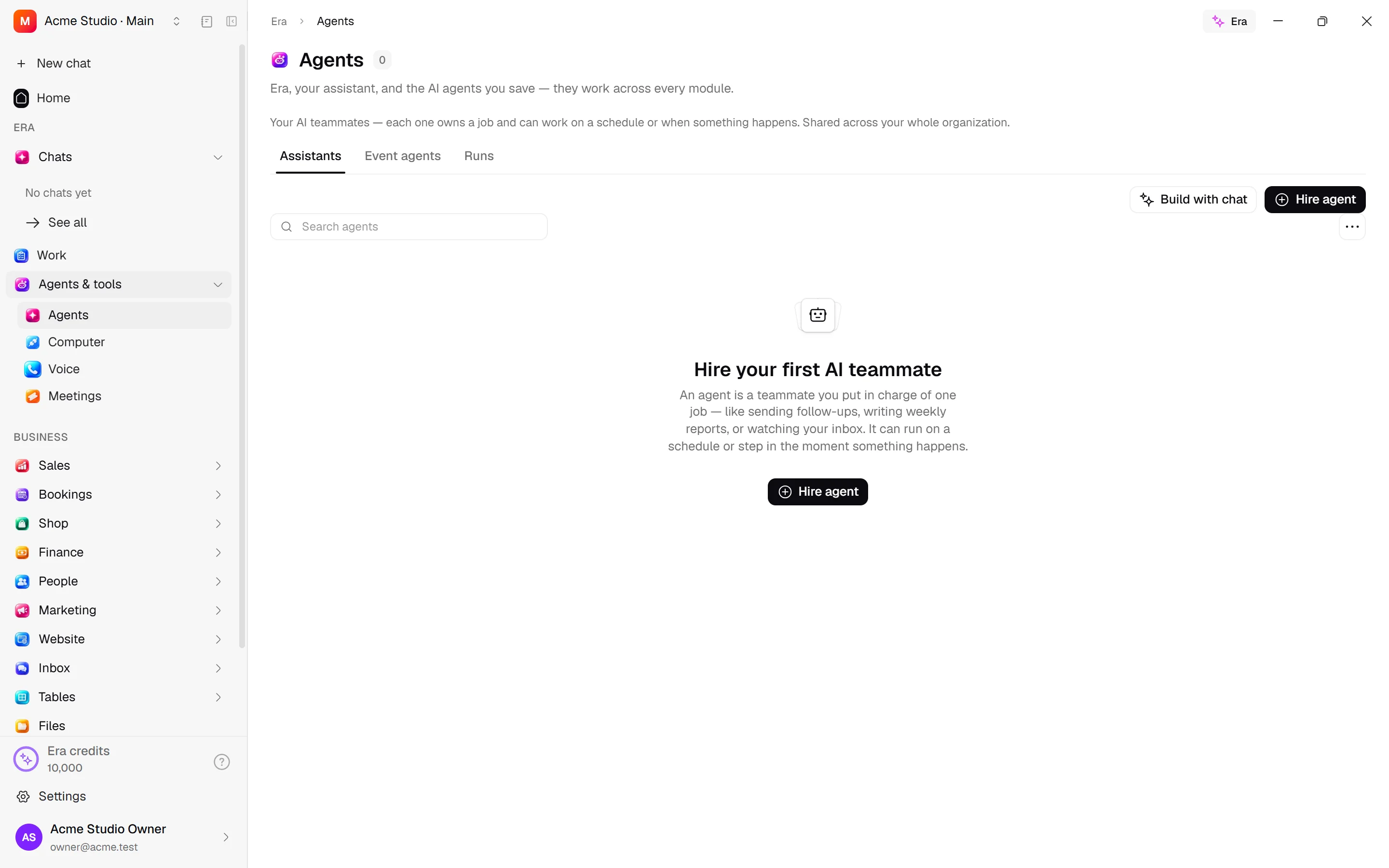
An agent is an AI teammate with instructions and boundaries for a particular job, such as sales follow-up, morning summaries or event-driven checks. Web: Agents. Desktop: agent screens in Agents & tools.
Before you start
An agent also needs permissions for the target business job. Instructions and sources do not grant unlimited access.
Skills: reusable procedures
Steps and focused answers.
Workflows and automations
Steps and focused answers.
Three tabs
Assistants lists hired teammates. Event agents wake on business events (/agents?view=event). Runs shows outcome, trigger, tools, duration and cost (/agents?view=runs). Recent runs do not load unlimited history.
Create an assistant
Start with Hire agent, a gallery template or Create with chat. Describe the job and inspect the builder's preview. Agent details have Chat / Settings.
| Setting | Purpose |
|---|---|
| Name and description | Help the team identify the job. |
| Model | Shared model/source picker; supported hosted-agent options also appear in the event-agent picker. |
| Instructions | Job, sequence and boundaries. |
| Apps | Connected apps, optionally restricted to selected ones. |
| Skills | Reusable procedures. |
| Teammates | Agents that can receive delegated work. |
| Abilities | Supported web search/fetch, images, past chats, ask first and saving methods. |
| Sharing | Personal, workspace or offered public sharing; new agents start private. |
Add trigger supports daily/weekday schedules with time zone, a later one-time run, or app activity such as webhook/RSS/email. Use advanced schedule expressions only when needed. Run now shows the result in chat.
Event agents
Configure name, instructions, wake-up event, acting person, allowed modules, model and per-run operation limit; choose a linked assistant where offered. The trigger must be declared by an enabled module. An agent with no instructions cannot be enabled. Pause / Resume / Delete / Run depend on access.
Permissions and cost
ai.manage creates/edits, ai.delete deletes and ai.handle runs. Touching business records also requires the relevant module permission and approval; agents are not unrestricted service administrators. Daily/monthly budgets can refuse a run. Source selection and connection permissions still apply.
Try “Create an assistant that summarizes new leads every morning without messaging customers.” “When a lead is won, check the quote and ask before sending.” See skills, workflows and AI settings.