Business modulesFiles
Managing upload links
Create a scoped, time-limited link to collect files externally.
Set link name, folder, expiry, types, size and file count.
Where
Web: Files · /files/links. Desktop: Business → Files.
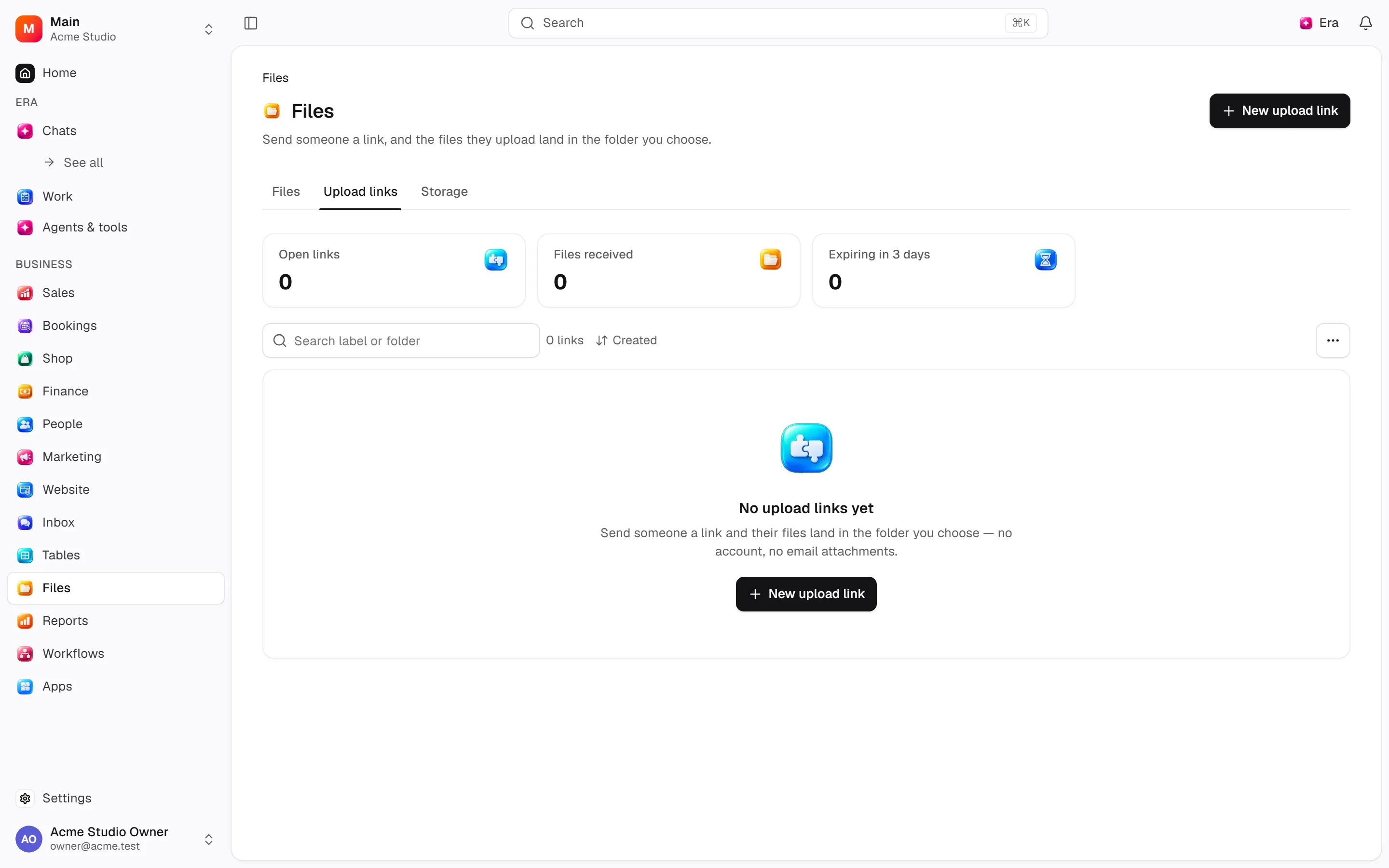
Step by step
Set the scope
Set the name, target folder, expiry, file types, MB limit and file count.
Use the link
Recipients upload to the workspace without becoming members. Start lead document requests from the lead’s Documents tab.
Manage expiry
Extending expiry keeps the same address; closing a link does not remove prior uploads.
What to know
Recipients upload into the workspace without membership. Extending keeps the URL; revoking preserves uploads.
Lead document links additionally bind requirements and are issued from Documents. Storage shows actual usage and cleanup.
Actions and permissions
| Operation and ID | Inputs | Permission | Screen or flow |
|---|---|---|---|
Create an upload link · files.create_link | Label, Description, Uploads land in, Maximum files, Maximum size (MB), Accepted types, Expires | Manage | /files/links |
Close an upload link · files.revoke_link | Link * | Manage | /files/links |
Extend an upload link · files.renew_link | Link *, Open until * | Manage | /files/links |
Settings and related guides
Ask Era
Prepare a PDF-only upload link for this record.