Business modulesWorkflows
Templates runs and waits
Adapt a template, then review run results and pending approvals.
Review template prerequisites/parameters and install a draft canvas.
Where
Web: Workflows · /workflows. Desktop: Business → Workflows.
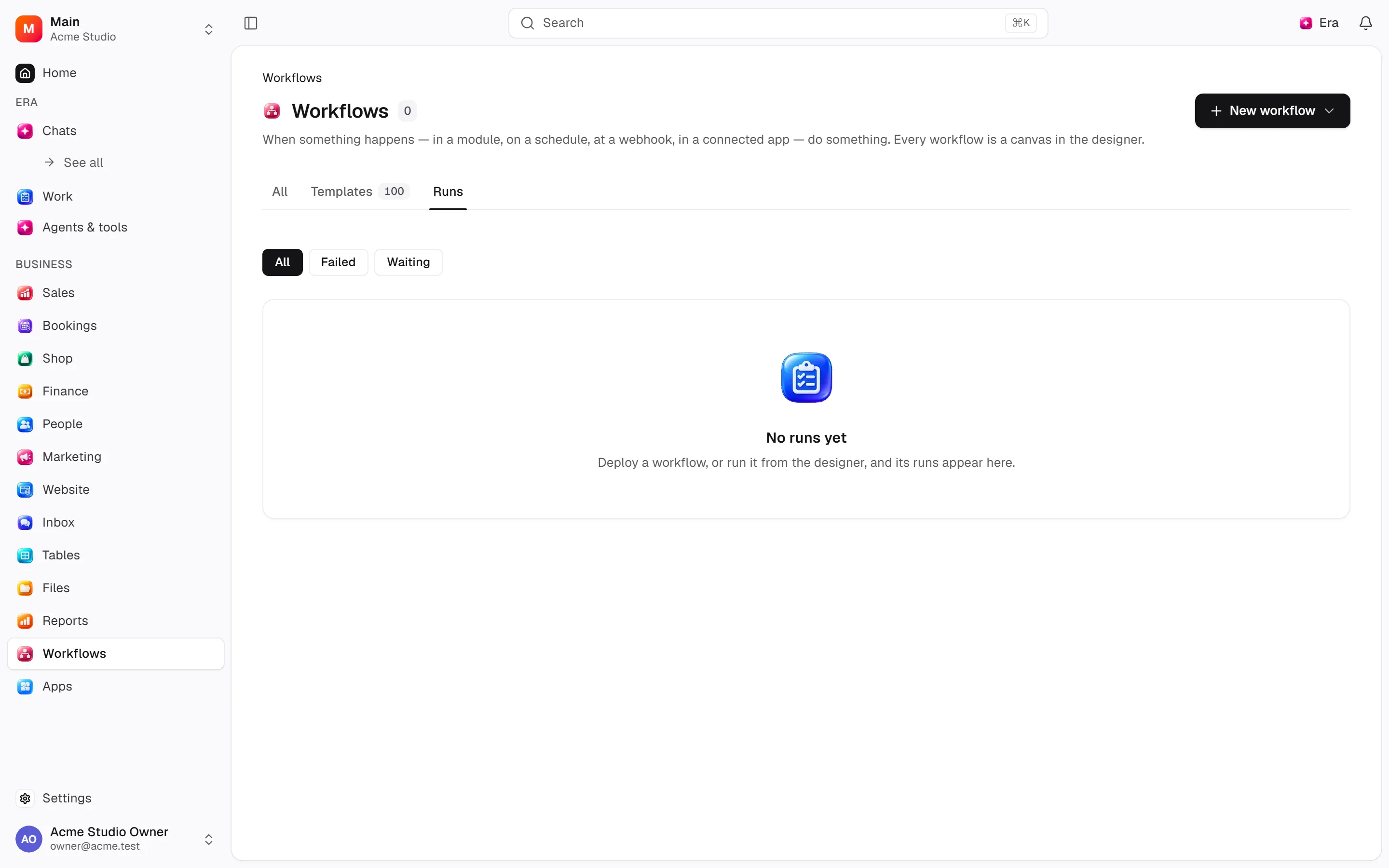
Step by step
Review the template
Check required modules and parameters; installing creates a canvas draft.
Prepare the flow
Review triggers and recipients before enabling.
Inspect the run
Review success, error, waiting and cancelled status. Open failed block output and pending approvals.
What to know
Check triggers/recipients before deploying. Runs show success/failure/waiting/cancellation.
Inspect block outputs and refusals. Decide approval waits or cancel them.
Idempotency keys help prevent duplicate effects; inspect outcomes before repeating disconnected external actions.
Actions and permissions
| Operation and ID | Inputs | Permission | Screen or flow |
|---|---|---|---|
Start a workflow from a template · workflows.install_template | Template *, Answers | Manage | Record/API/visitor flow; no separate screen button mapped |
Approve or reject a waiting workflow · workflows.decide_wait | Waiting run *, Approve *, Note | Write | /workflows/runs/[runId] |
Cancel a waiting workflow run · workflows.cancel_wait | Waiting run * | Write | /workflows/runs/[runId] |
Record an undo of a workflow run · workflows.note_undo | Canvas workflow *, Canvas execution *, Outcome *, Steps * | Write | Record/API/visitor flow; no separate screen button mapped |
Settings and related guides
Ask Era
Draft a workflow notifying an owner on a new application.