Apps and connections settings
Paths, defaults and effects of each option.
Settings open as a drawer over your work; a direct URL can open a full page. On desktop choose the same product heading under Settings. Change values and Save; form validation and role permissions apply.
Usage guide
Teams connect apps and select personal/company accounts. Connecting is separate from syncing.
Browse this area
Apps
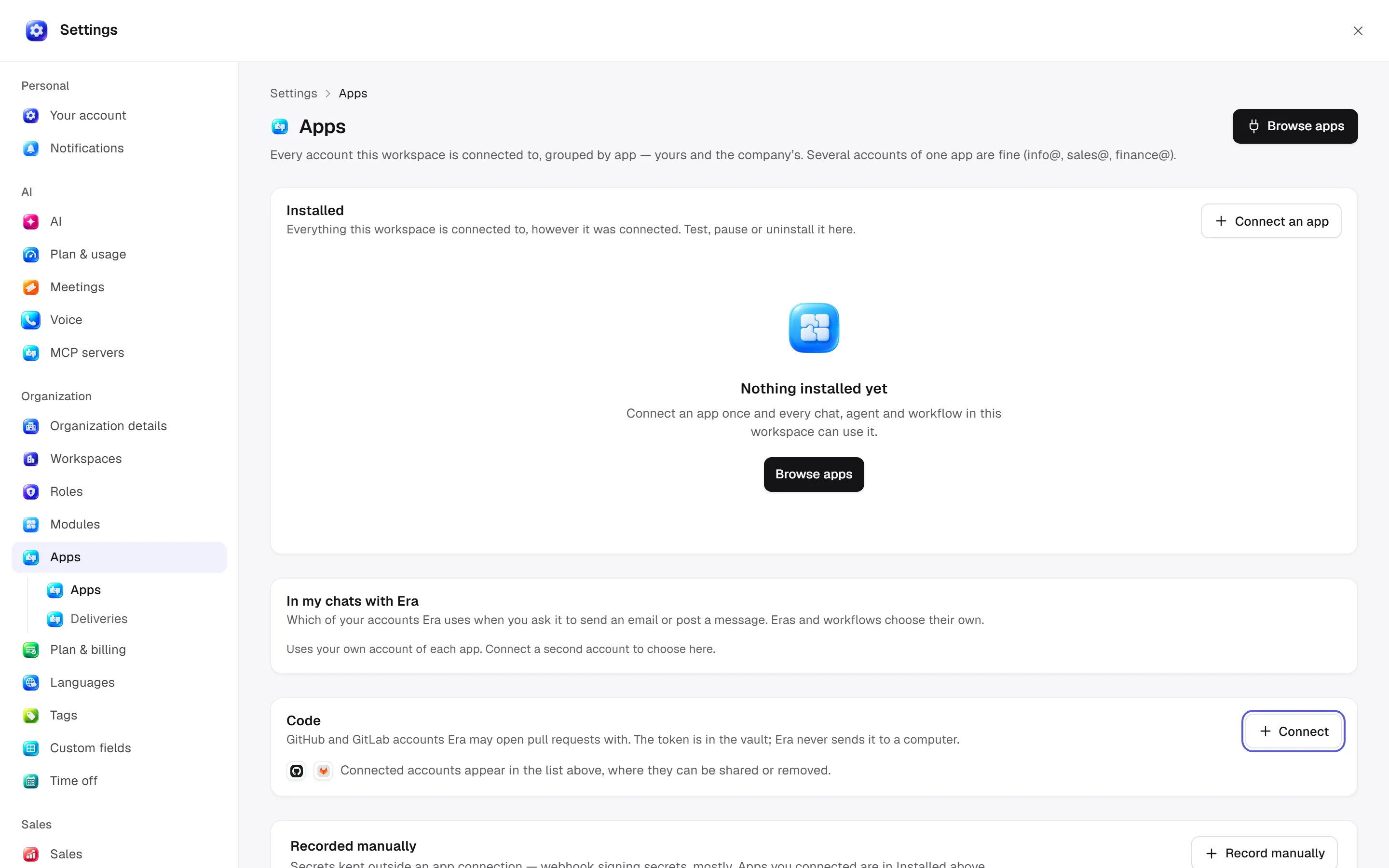
Installed apps
Open settings · /settings/apps
Inspect accounts by app, set personal/company ownership and account preference. Apps may have multiple accounts. Tests/reconnection/pause/disconnect are managed separately from business records.
Desktop: native settings panel.
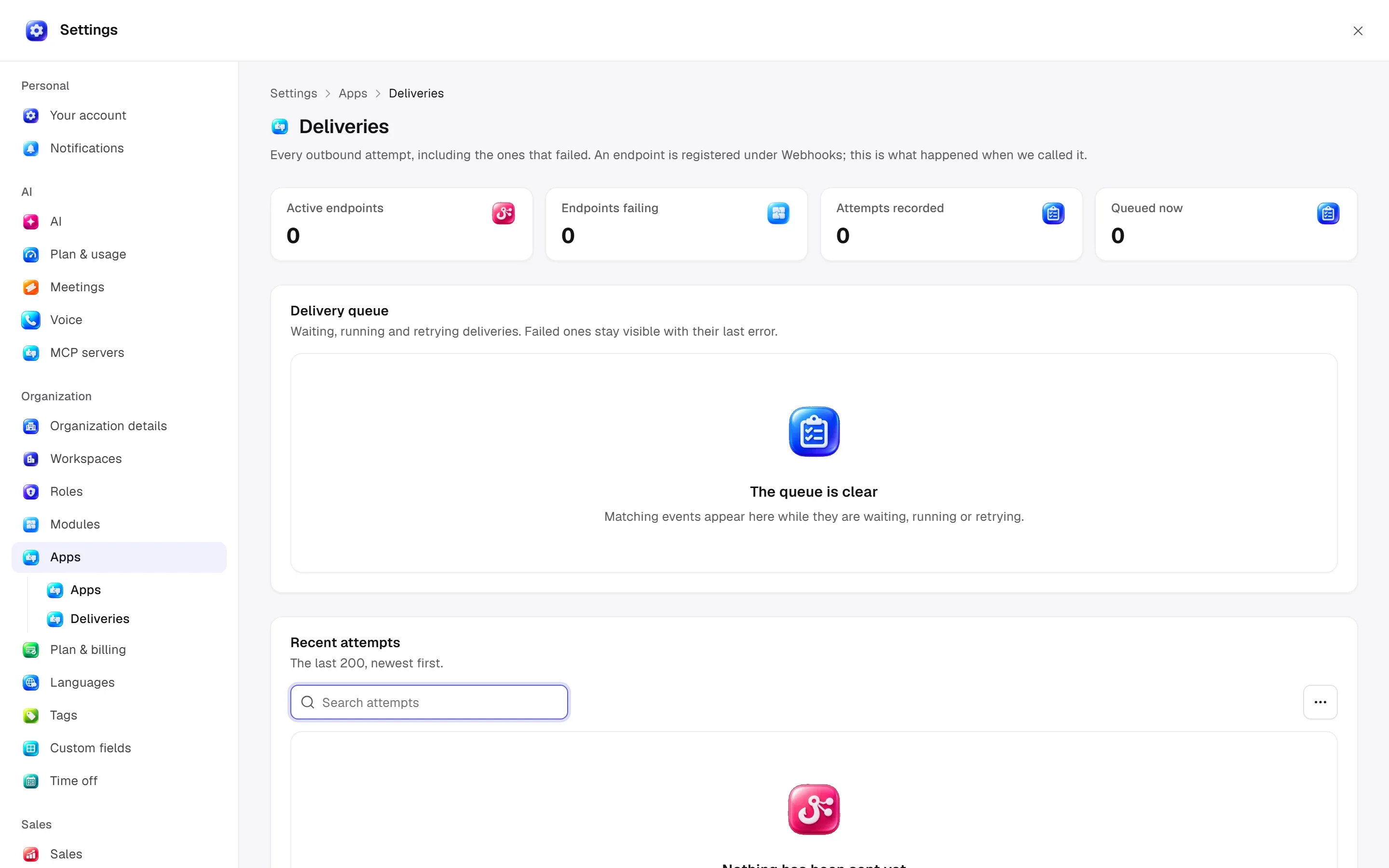
Deliveries
Open settings · /settings/apps/deliveries
Inspect delivery status, attempts and responses. Delivery records describe outbound call outcomes; register endpoints under Webhooks.
Desktop: native settings panel.
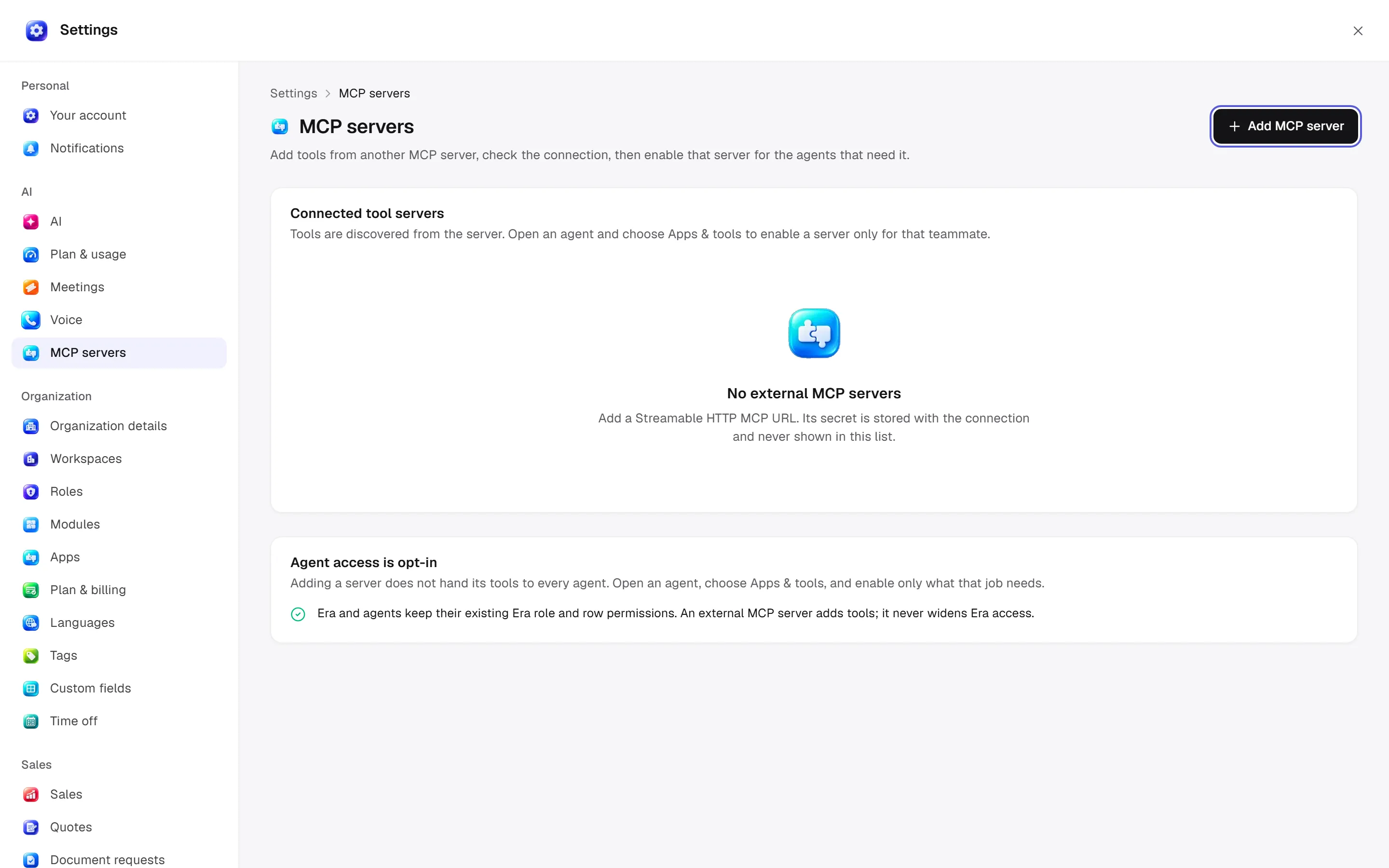
MCP servers
Open settings · /settings/integrations/mcp
Set server name/address/transport, validate connection and enable tools for agents. Platform setup details belong to Apps and Admin guides.
Desktop: native settings panel.
Defaults and behaviour options
This table lists contract defaults, not your saved workspace values. Location distinguishes visible controls from advanced configuration values.
| Option / key | Default | Effect and choices | Location |
|---|---|---|---|
Give up on a delivery after · delivery_timeout_seconds | 15 | In seconds. A delivery that gets no answer in time is tried again later. | Advanced contract setting; no separate control verified |
Delivery attempts · delivery_max_attempts | 5 | Each retry waits a little longer. After the last one the delivery is marked failed; repeated failures switch the connection off. | Advanced contract setting; no separate control verified |
Permission: module manage is used for configuration; the main guide’s action table lists individual operation permissions.
Related guide
Related integrations
Open a guide for connection fields, account selection and app-specific limits.

Gmail
Connection, actions and limits.

Outlook
Connection, actions and limits.

Slack
Connection, actions and limits.

Google Drive
Connection, actions and limits.
Technical sources
packages/os-kernel/src/modules/apps.ts, apps/studio/app/(app)/settings/, apps/era-station/apps/web/src/era/business/screens/settings/pages/registry.tsx.