Campaigns and audiences settings
Paths, defaults and effects of each option.
Settings open as a drawer over your work; a direct URL can open a full page. On desktop choose the same product heading under Settings. Change values and Save; form validation and role permissions apply.
Usage guide
Marketing teams message filtered audiences and inspect delivery and unsubscribes.
Browse this area
Marketing — modules and detailed settings
Campaigns
Open settings · /settings/campaigns
Messages/minute is 1–500; switches enable open pixels and click redirects. Sender address is set on the notification channel.
Desktop: native settings panel.
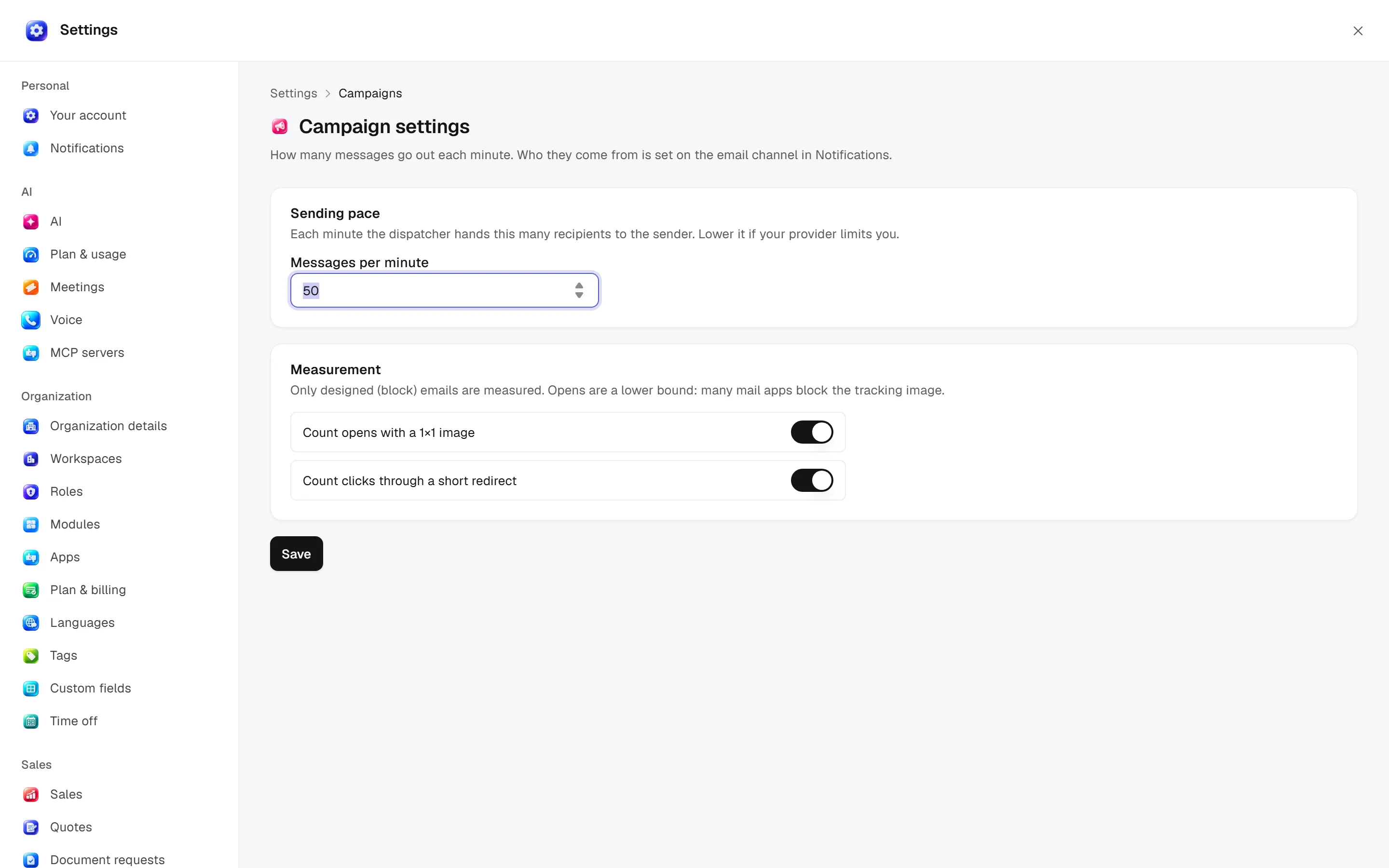
Defaults and behaviour options
This table lists contract defaults, not your saved workspace values. Location distinguishes visible controls from advanced configuration values.
| Option / key | Default | Effect and choices | Location |
|---|---|---|---|
Messages per minute · batch_size | 50 | How many messages go out each minute. | /settings/campaigns |
Track opens · track_opens | true | Adds an invisible image to count opens. Many mail apps block it, so the real number is higher. | /settings/campaigns |
Track clicks · track_clicks | true | Sends links through a short redirect so clicks can be counted. | /settings/campaigns |
Permission: module manage is used for configuration; the main guide’s action table lists individual operation permissions.
Related guide
Technical sources
packages/os-kernel/src/modules/campaigns.ts, apps/studio/app/(app)/settings/, apps/era-station/apps/web/src/era/business/screens/settings/pages/registry.tsx.