Dashboards
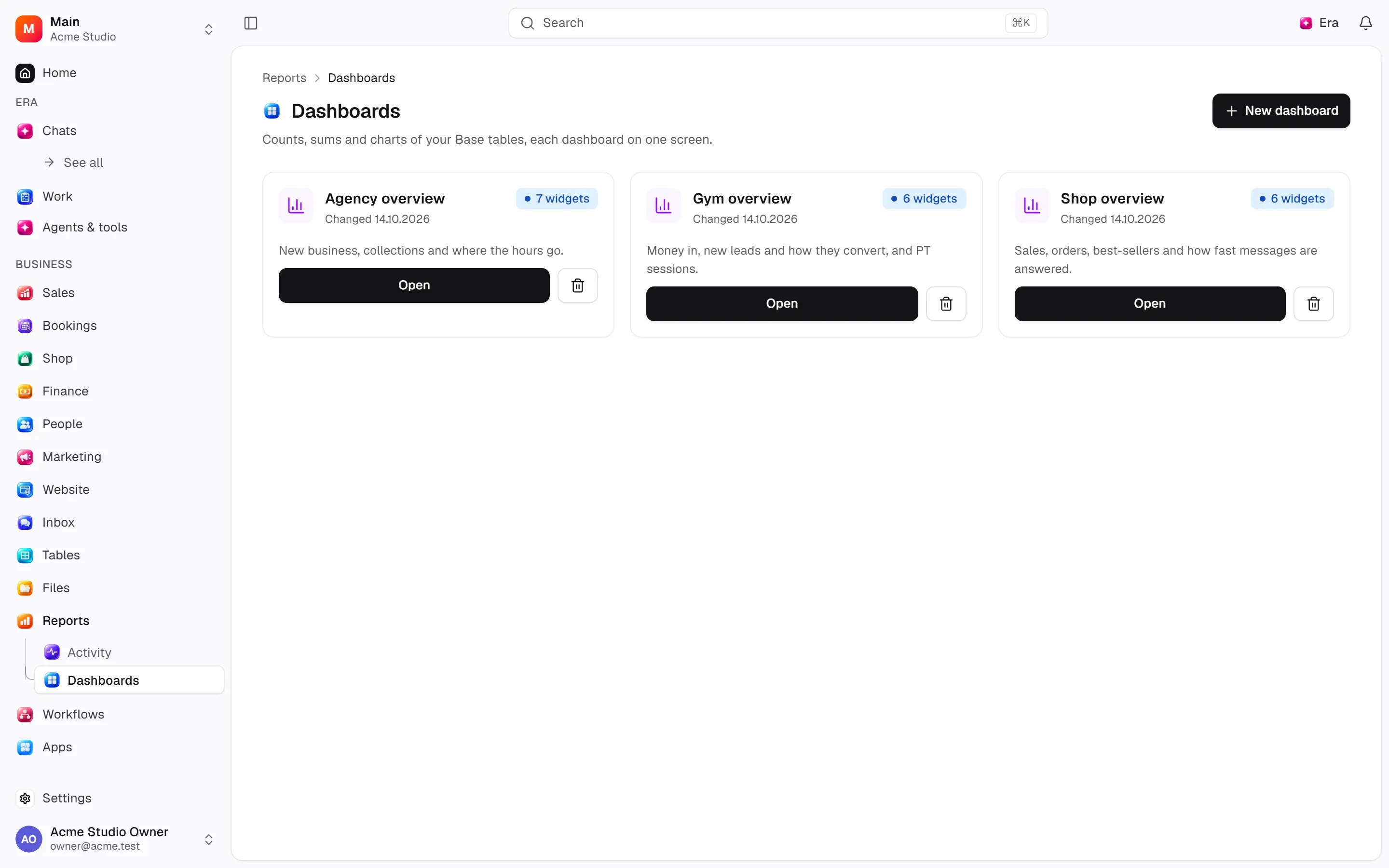
Managers monitor measures/table data together as dashboard widgets.
Managers monitor measures/table data together as dashboard widgets.
Where to find it
Web: open Reports. Desktop: Business → Reports, using the same record paths. Disabled modules or missing read permission remove the navigation entry.
| Screen / tab | Web path | Usage | Desktop |
|---|---|---|---|
| Dashboards | /dashboards | List, view or tab | Native screen |
| Record details | /dashboards/[id] | Record or editor | Native screen |
Start working
Step 1
Create a dashboard.
Step 2
Choose widget sources/measures/filters/display.
Step 3
Edit/reorder widgets.
Step 4
Review sharing or remove.
Settings
Option-by-option configuration and screen paths: Settings guide.
There is no separate settings route; the guide distinguishes record options from declared defaults.
Permissions and limits
Before you start
Source read access is needed. Configuration lives in the editor, not separate settings.
Role capabilities: Read (read), Write (write), Delete/archive (delete).
Own-record restrictions apply equally to lists, records and Era. Record state or missing data can refuse an otherwise permitted action.
Ask Era
Draft a sales/collections dashboard.
Select relevant records for Era context. Era respects modules/roles; external or confirmation-sensitive work can stop for approval. Use era tools in the terminal to inspect currently available tools.
Automation and events
These declared events are available to module-event triggers. Subscribing does not configure the next operation; choose recipients, conditions and actions separately.
Operation details
The inventory includes record, configuration, visitor and background flows. IDs support Era/automation; not every row is a menu button. Asterisks mark required inputs. Unmapped rows do not imply a visible control.
| Operation and ID | Inputs | Permission | Screen or flow |
|---|---|---|---|
New dashboard · dashboards.create_dashboard | Name *, Description | Write | /dashboards |
Rename a dashboard · dashboards.update_dashboard | Dashboard *, Name, Description | Write | /dashboards/[id] |
Delete a dashboard · dashboards.delete_dashboard | Dashboard * | Delete/archive | /dashboards |
Add or edit a widget · dashboards.save_widget | Dashboard *, Widget, Kind *, Title *, Table, View, Report, Settings, Width (1–4) | Write | /dashboards/[id], /reports/explore |
Rearrange widgets · dashboards.arrange_widgets | Dashboard *, Order * | Write | /dashboards/[id] |
Remove a widget · dashboards.remove_widget | Widget * | Write | /dashboards/[id] |
Related guides
Settings
Options, screen paths and defaults.
Workflows
Operations managers connect triggered blocks on a canvas with conditions, loops and approval waits.
Reports
Reports — modules and detailed settings
Technical sources
packages/os-kernel/src/modules/dashboards.ts, packages/os-kernel/src/modules/index.ts, apps/studio/lib/os/navigation.ts, apps/studio/lib/os/settings-groups.ts, apps/era-station/apps/web/src/era/business/screens.ts.