Leave type settings
Configure leave types, accrual and carry-over.
This page lives under Organization settings; leave requests are a daily People task. Web and desktop manage the same business data.
Before you start
Managing leave types requires availability management access.
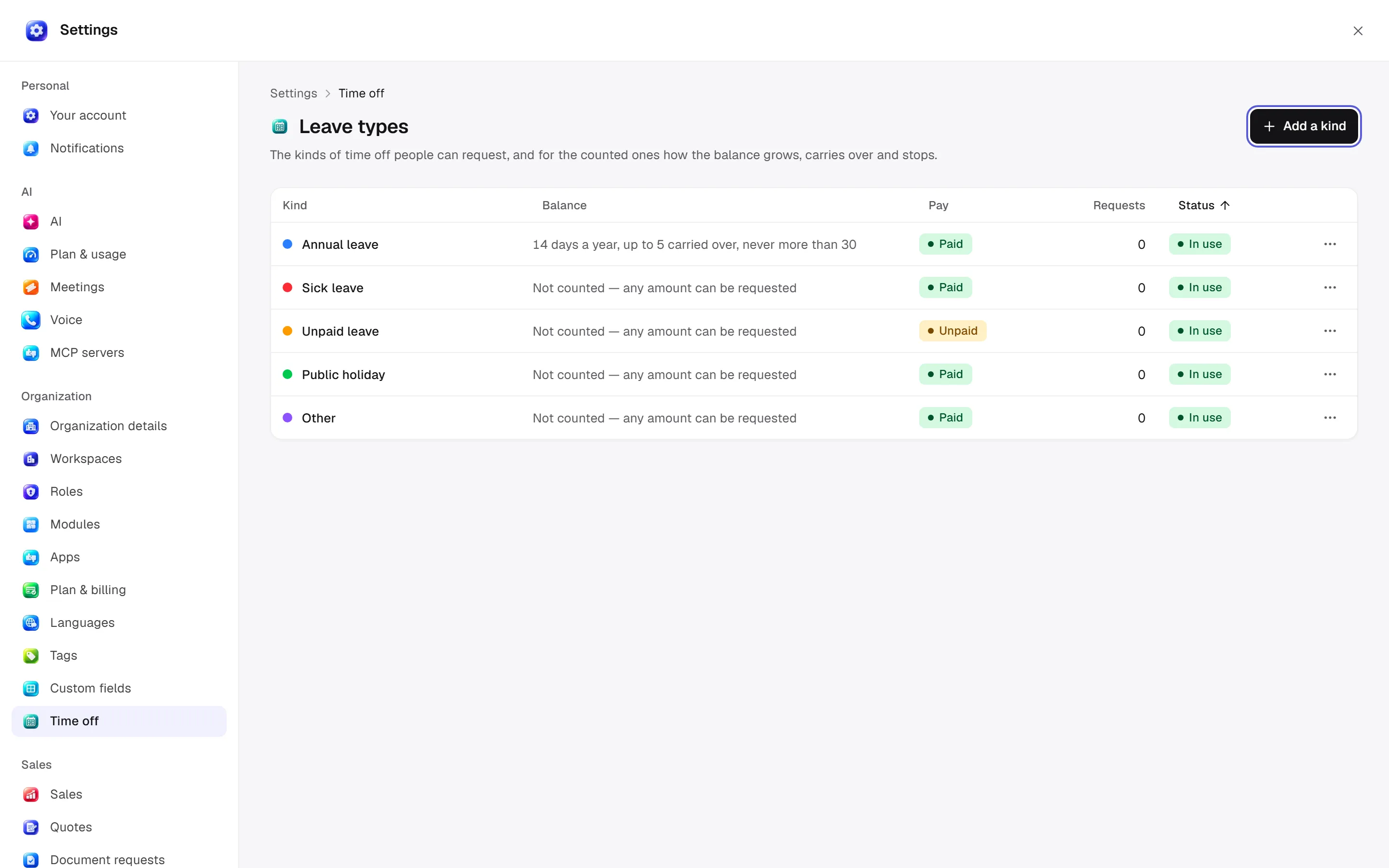
Leave types — /settings/time-off
Add/edit type sets code, name, color, paid status and active status. Accrual is Not counted / Per year / Per month. Uncounted types allow any requested amount. Counted types set days earned per period, maximum annual carry-over, balance ceiling and permission to go negative. Name/active state can change inline; usage counts show adoption. Requires availability management access.
Ask Era “Explain annual leave accrual and carry-over”. These settings affect balances. See People and roles.
Use it step by step
Define leave type
Choose name and accrual period; uncounted and balance-tracked types behave differently.
Check carry-over
Annual carry-over, balance ceiling and negative-balance allowance work together. Compare your team policy.