Personal report access
Grant one person a report while restricting rows and measures.
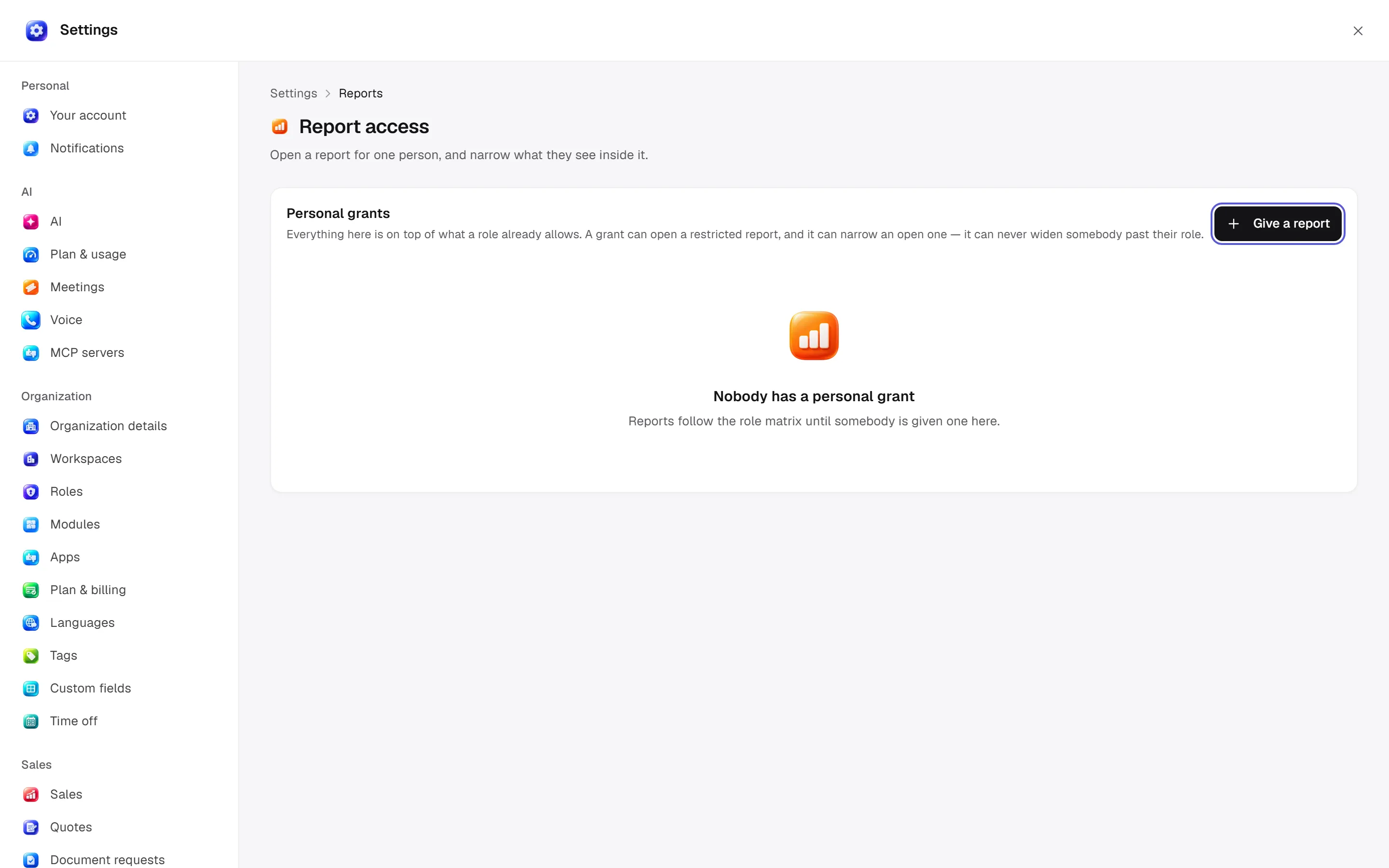
Give one person access to one report while narrowing its rows and measures. Web: Settings → Reports → Report access. Desktop opens the same report-settings surface, alongside the role matrix.
Before you start
Report access does not grant Finance writes. A hidden measure does not mean the actual amount is zero.
Give a report selects a person and report. Row scope: All / Own records / Own and direct reports' records. Hidden measures can hide money or other people's numbers where supported. Restricted reports explain why access is restricted.
Change hidden measures or Remove grant. There are no personal grants by default; the screen lists actual exceptions rather than an open grid for every member. A report grant does not authorize writing throughout Finance.
Report-access management permission is required; report reads, roles and row scope are checked server-side. Ask Era “Which rows can this person see in their report?” See roles and reports.
Use it step by step
Choose the target
Use Give a report to select person and report; check the workspace.
Restrict rows
Choose own or own-and-direct-reports scope for the job.
Inspect measures
Select supported hidden measures. Hiding money does not itself restrict row access.
Check the result
Inspect the grant row, then change or remove it if incorrect. Role-derived access also applies.