Personal settings and notifications
Manage your profile, theme, notification schedule and device preferences.
Personal settings change preferences for you or this device. Settings is at the bottom of the left sidebar. Web: /settings. Desktop: Settings → Personal.
Before you start
Your notification preference is not the whole workspace’s notification rule.
Desktop-only settings, option by option
Steps and focused answers.
Notification channels, rules and deliveries
Steps and focused answers.
Web account
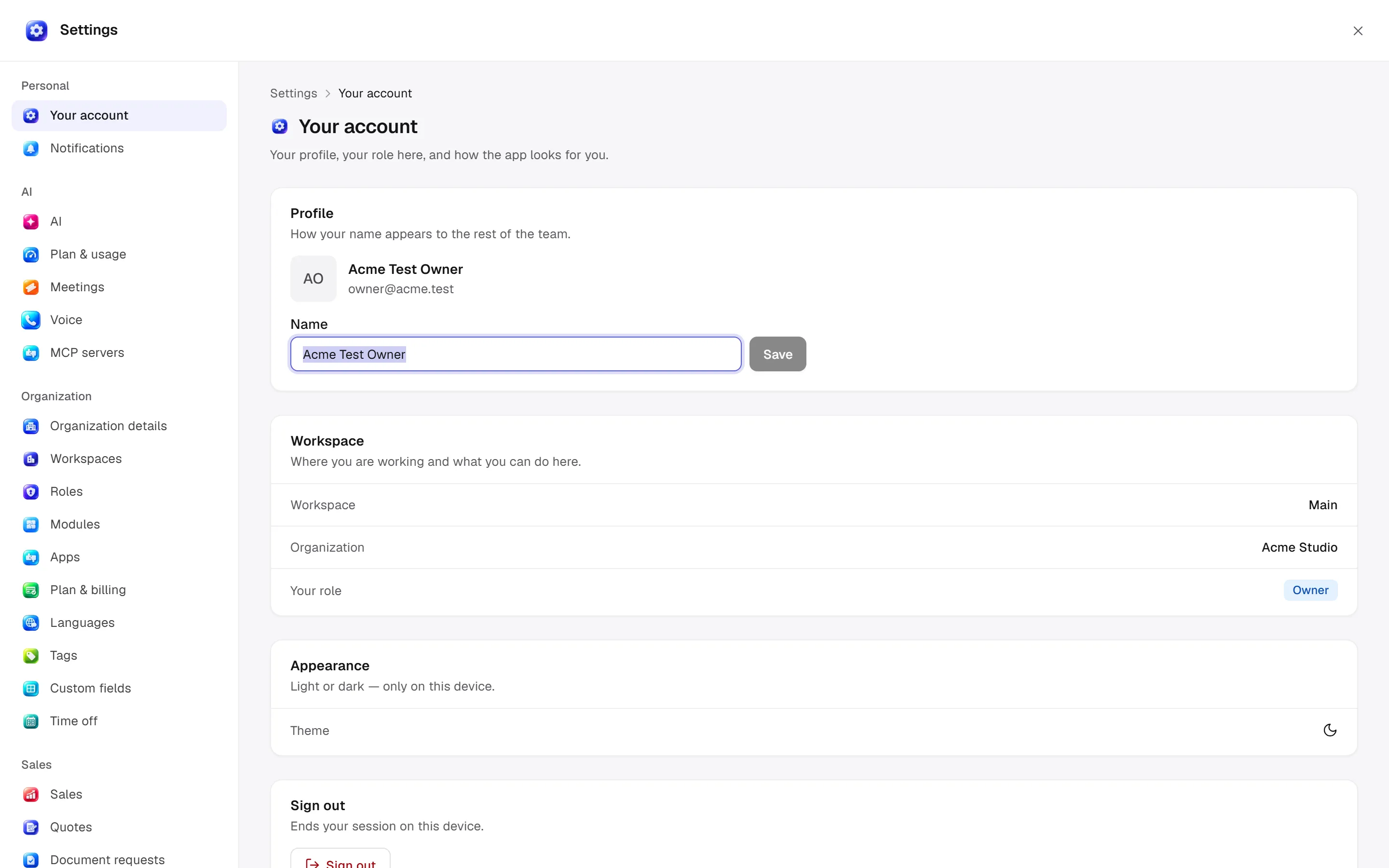
Profile → Name changes your name shown to the team with Save. Workspace shows the workspace, organization and role; it does not assign roles. Appearance → Theme changes light/dark preference on this device. Sign out ends this device's session.
Notifications — /settings/notifications
For me chooses notification categories and channels. Everything covers categories without their own rule. My schedule sets time zone, immediate/hourly/daily email, quiet-hour start/end and daily digest hour (0–23). Quiet hours hold email; the silent notification bell is never held.
With management access, other tabs manage notification rules and deliveries. Rules configure event/reminder, recipients, channels, category, cooldown minutes, title, message and link; previews support event variables. SMS/WhatsApp needs a connected Inbox channel; reminders can fall back to email if missing or refused. See advanced settings.
Desktop differences
Desktop adds General / Profile / Appearance / Notifications / Chat behavior / Keybindings. Its Profile page shows local activity, streaks and a shareable stats card; it is distinct from the web account-name editor. Notifications include activity toasts, OS notifications and waiting for subagents before alerting. Fonts, density and local chat safety options are explained individually in desktop settings.
Language and permissions
Interface language differs from workspace currency/date defaults; see language and organization. Editing your profile does not require permission to manage another member's role. Managing notification rules uses different access from personal notification preferences. Ask Era “Which channels deliver my notifications in this workspace?”
Practical start
Open your preference
Open profile settings or Notifications → For me.
Edit the schedule
Check time zone, quiet hours and digest frequency together; daily hour uses 0–23.
Compare device settings
Inspect OS notifications and local desktop appearance separately. Personal preference does not edit a shared event rule.
For channels, rules, people and deliveries see full notification settings.