Tags and custom fields
Manage shared tags and business-specific record fields.
Tags mark records with a shared vocabulary. Custom fields add your business's own questions to records. Web and desktop: Settings → Organization → Tags / Custom fields.
Before you start
Archiving a field retains answers; deleting removes them. Inspect the answered-record count first.
Tags — /settings/tags
One workspace vocabulary can be used on leads, calls, customers and files. Add tags, edit names/colors and use permitted removal actions. Attaching a tag does not make records the same type. Ask Era “Add the follow-up tag to these selected customers”; record permissions still apply.
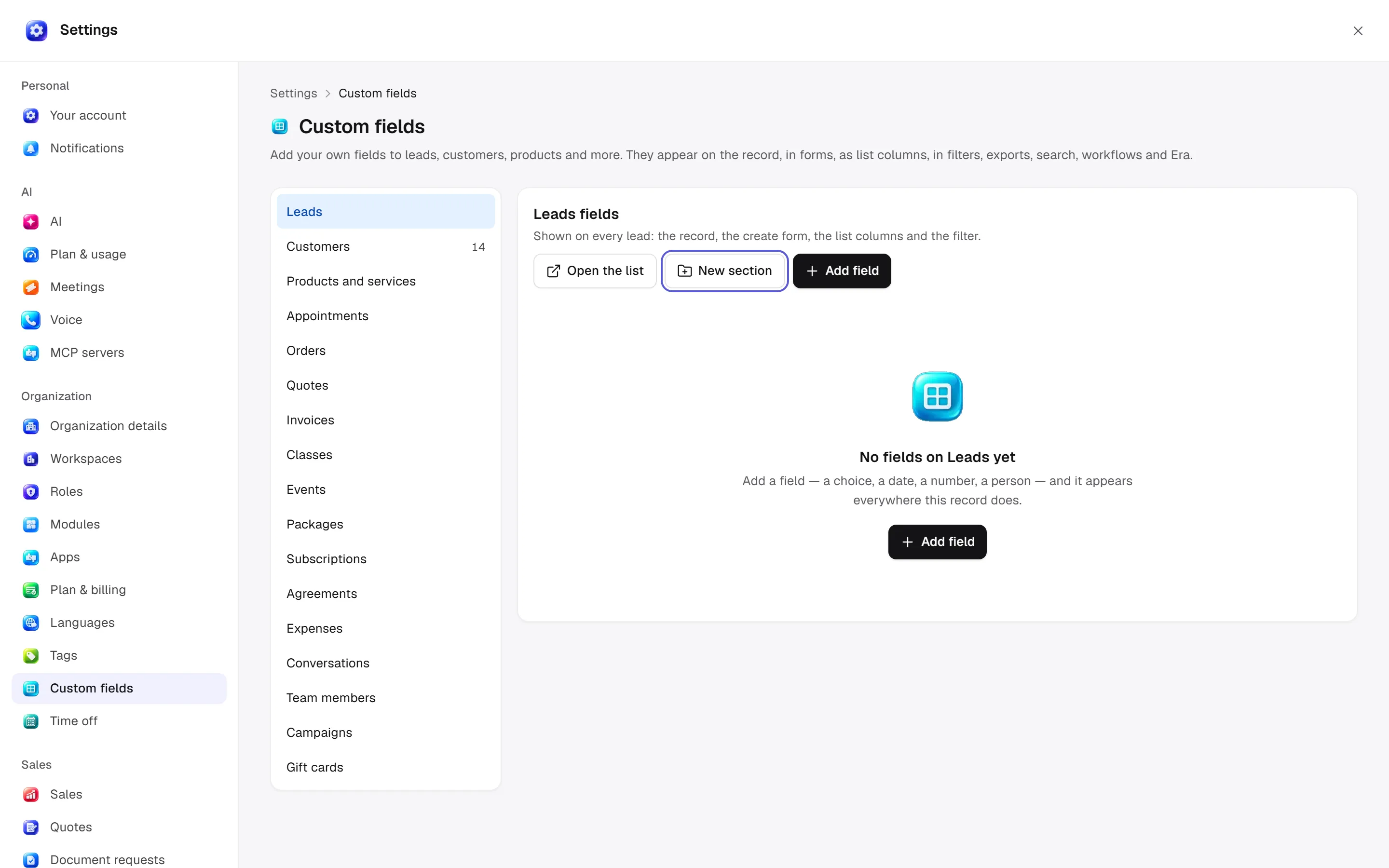
Custom fields — /settings/custom-fields
Choose the record type
Choose a record type such as lead, customer or product.
Choose a section
Add field to an existing section or create a New section.
Define the field
Set title, type, applicable choice options, default and Required preference.
Set list visibility
List column controls default visibility in lists.
Save
Save. The field is available on records, create forms, list/filter surfaces, exports, search, workflows and Era.
Rows show type, requirement, section, default and answered-record count. Move up/down reorders; Edit section changes its heading. Change type checks compatibility with answers. Archive hides the field and retains answers; Archived fields → Restore brings it back. Delete removes the definition and answers; read the answer count in confirmation.
Permissions and automation
Tag administration uses tags.manage; field administration uses relevant data/settings action permissions. Changing values on a record also requires that record module's write access. Required fields affect forms; inspect dependent workflows and filters before changing types.
Ask Era “How do I add a communication-preference choice to customers?” or “Show this list's distribution by custom fields.” See roles and tables.
Additional tag-form options
Description explains consistent use. Automatic color derives a stable color; explicit colors are available. Pin to filters promotes it in filter bars and the Inbox sidebar. Rows show Key / Used on / Attachments; the normalized key determines uniqueness. Merge chooses the surviving tag: attachments move, records carrying both keep one and the old tag is removed. Deletion shows how many records lose the tag; it removes tag links rather than those records.