Notification channels, rules and deliveries
Separate personal notification choices from workspace delivery rules.
Web: Settings → Personal → Notifications. Desktop-local Notifications controls OS activity alerts; business rules use the same server settings surface. Personal preferences and workspace rules have different scopes.
Before you start
A queued notification is not delivered. Inspect attempts and errors under Deliveries.
Personal settings and notifications
Steps and focused answers.
Troubleshooting
Steps and focused answers.
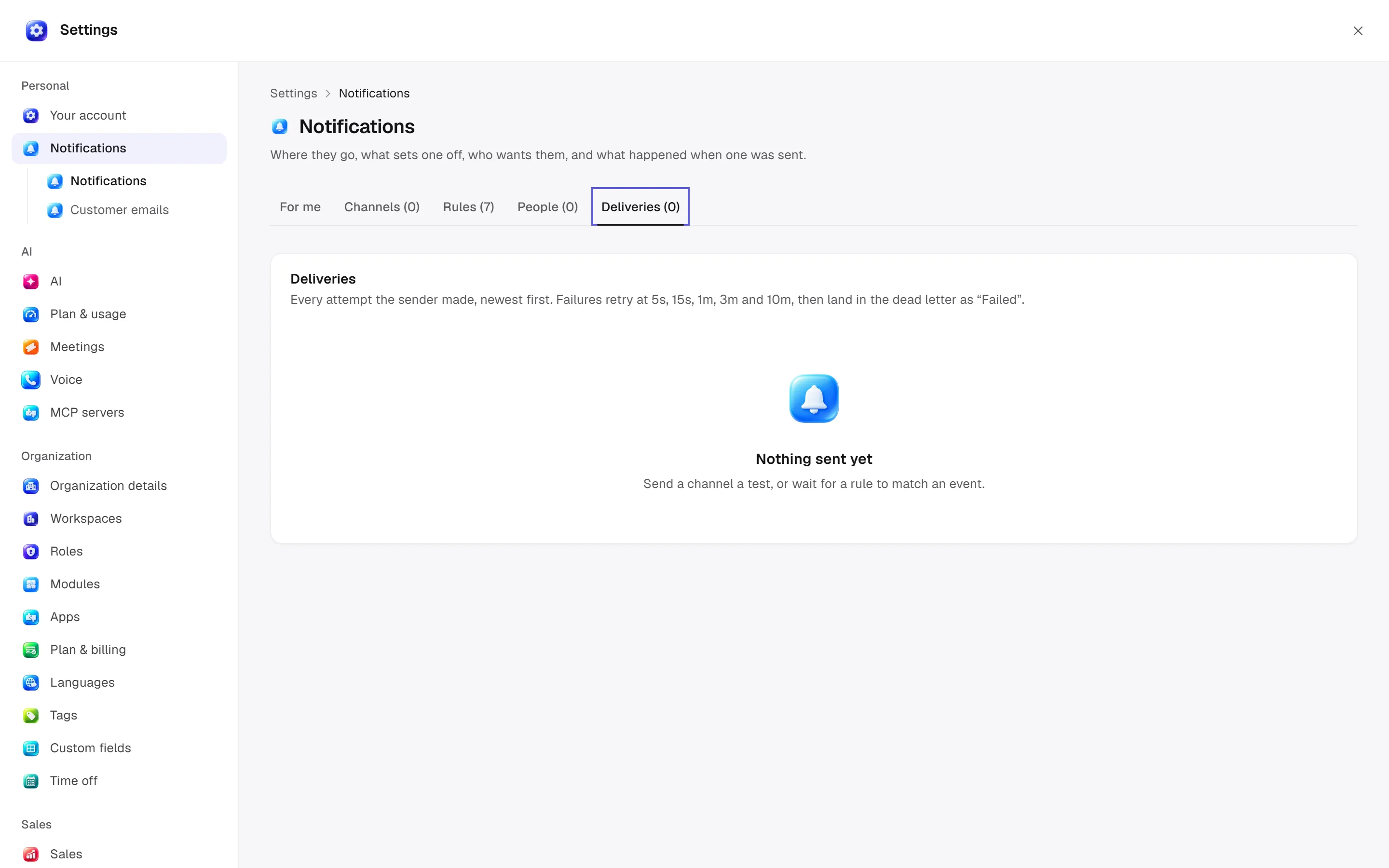
Five tabs
For me sets category/channel, time zone, quiet hours and email digest frequency; see personal guide. Channels, Rules, People and Deliveries handle management/history.
Add a channel
Choose kind and required name. Email supports up to ten recipients through the workspace mail provider. Slack takes an incoming-webhook URL; generic webhooks take a destination URL. Browser push is marked “not available yet” in code; it differs from OS desktop alerts. Test, change active state, rotate secrets through supported controls or remove; inspect dependent rules.
Add/edit rules
Set name, When (declared events/module event groups) and Tell (offered person/role/capability or explicit channel). Member / Role / Permission / Channel selectors depend on the target. Set delivery mediums, category, cooldown minutes, title, message and link templates. Event fields, recipient name, workspace and event label can be used; inspect previews. Supported older webhook rules include output/trace options; consider sensitive outbound content.
SMS/WhatsApp reminders use an Inbox channel and can fall back to email if unavailable/refused. An active rule does not imply overriding disabled recipient preferences.
People and deliveries
Personal rows show channel/event, enabled state and optional mute expiry. Deliveries show state, attempts, response, next retry, recipient and test marker. Details show payload/error reasons. Queuing differs from successful delivery; fix the cause before multiplying failures. History sweeps remove old attempts according to retention.
Permissions and examples
notifications.manage administers workspace channels/rules; personal preferences use a separate door. Events come from declared action events; do not invent trigger names. Ask Era “Show rules that notify the sales manager when a lead is won” or “Explain my daily email digest setting.” See workflows and jobs.
Practical start
Separate preferences
Separate personal notification preferences from shared channel/rule configuration.
Inspect the rule
With management access, check event, recipient, channel and message preview.
Check delivery
Read attempt/error reasons in Deliveries; do not duplicate notifications before fixing the connection.