Home visits settings
Paths, defaults and effects of each option.
Settings open as a drawer over your work; a direct URL can open a full page. On desktop choose the same product heading under Settings. Change values and Save; form validation and role permissions apply.
Usage guide
Field teams dispatch appointments to customer addresses and track progress and proof of work.
Browse this area
Bookings — modules and detailed settings
Service area
Open settings · /settings/field-service
Postal codes/cities limit service area; an empty list permits anywhere. Required signature enforces a customer signature image at completion.
Desktop: native settings panel.
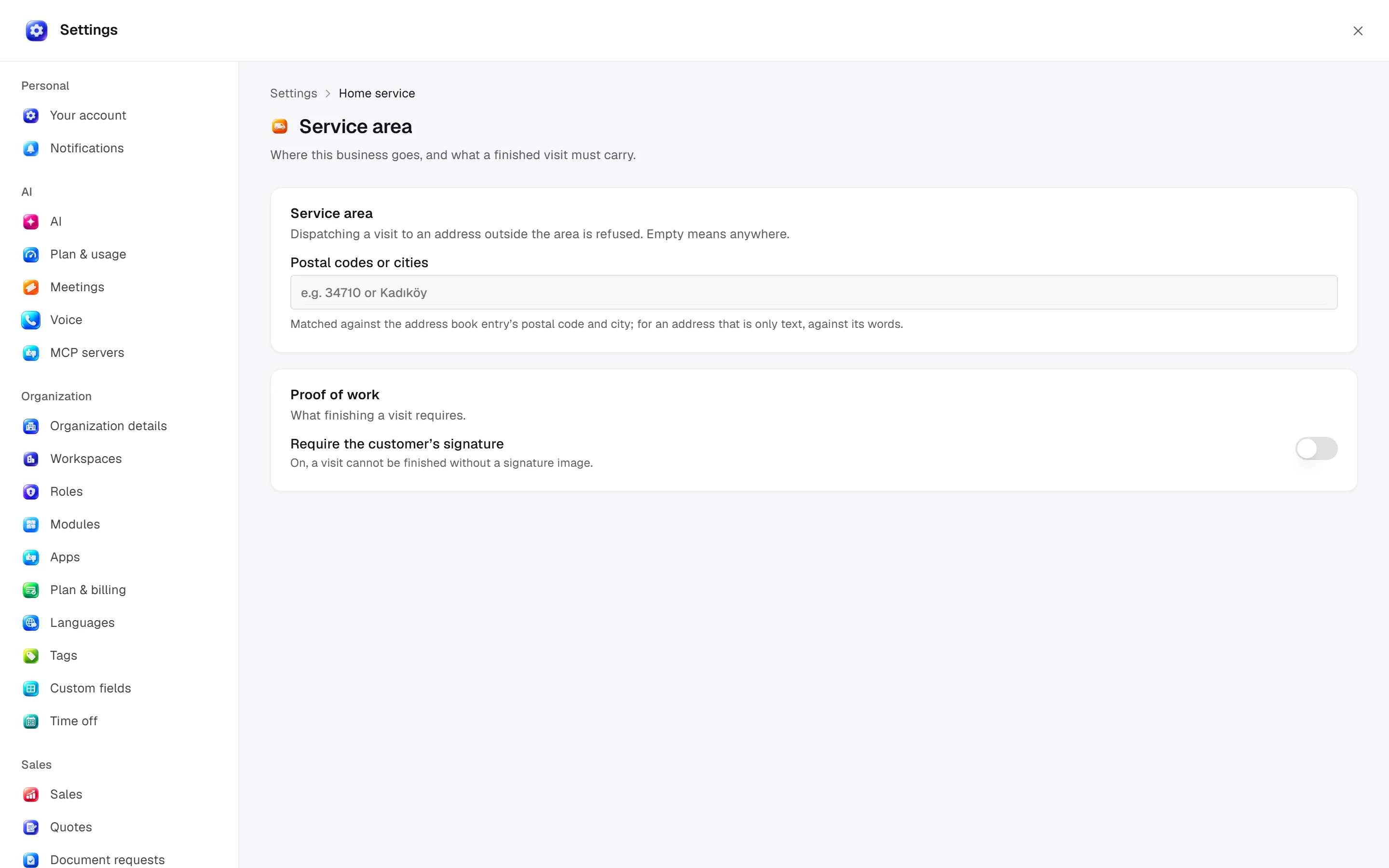
Defaults and behaviour options
This table lists contract defaults, not your saved workspace values. Location distinguishes visible controls from advanced configuration values.
| Option / key | Default | Effect and choices | Location |
|---|---|---|---|
Service area · serviceArea | [] | Postal codes or city names this business visits. Empty means anywhere. | Advanced contract setting; no separate control verified |
Require a signature · requireSignature | false | A visit cannot be finished without the customer’s signature. | Advanced contract setting; no separate control verified |
Permission: module manage is used for configuration; the main guide’s action table lists individual operation permissions.
Related guide
Technical sources
packages/os-kernel/src/modules/field-service.ts, apps/studio/app/(app)/settings/, apps/era-station/apps/web/src/era/business/screens/settings/pages/registry.tsx.