Business modulesTables
Table access and imports
Configure row access and match import columns to table fields.
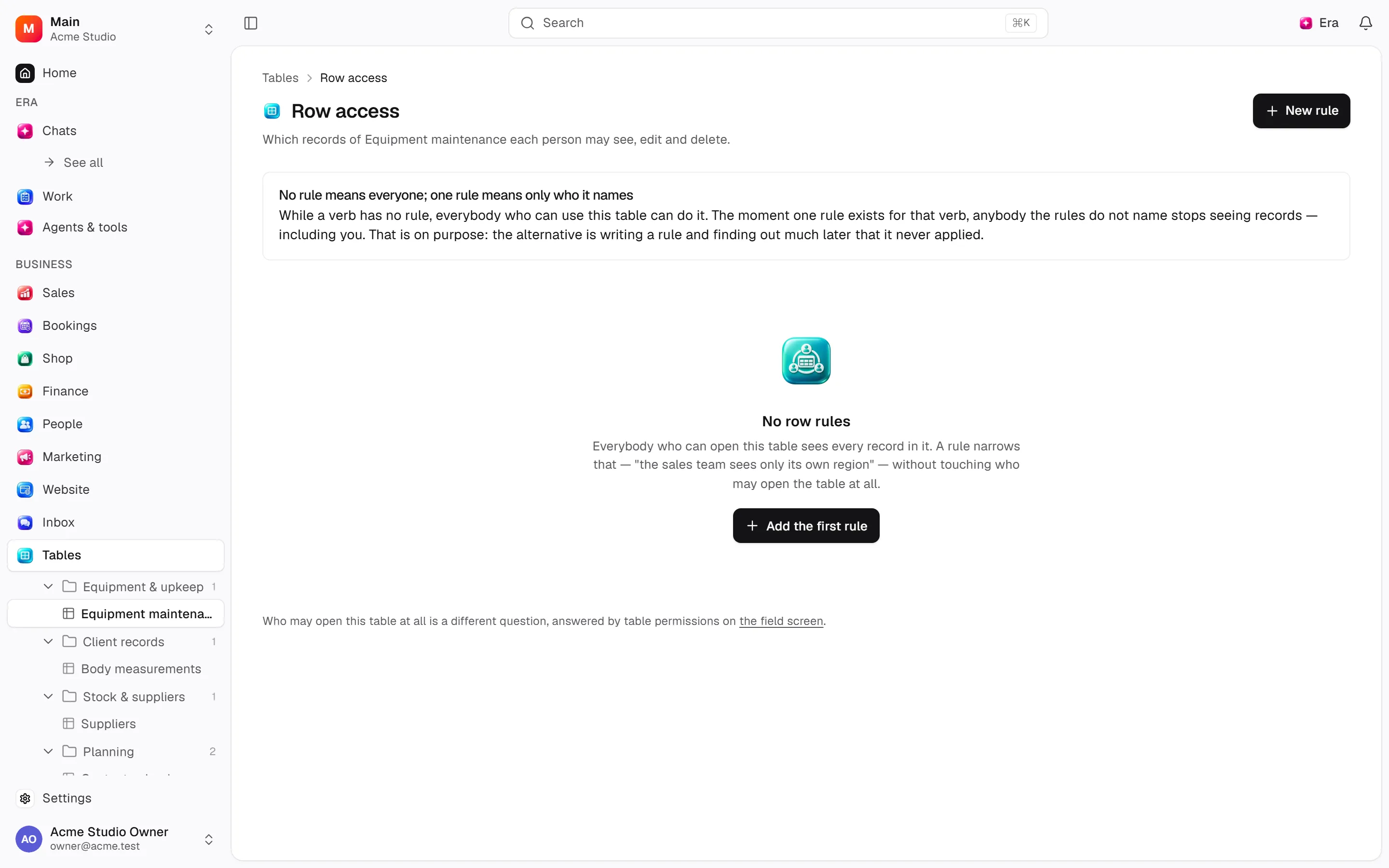
Use table Access for permissions and row rules; hidden rows are not merely visual filtering.
Where
Web: Tables · /tables. Desktop: Business → Tables.
Step by step
Configure access
Choose people and row rules on the table’s Access surface.
Prepare the import
Match columns to fields and review data types, row limits and the matching key for updates.
Review the result
Export respects access and filters. Clearing all rows is a separate destructive action.
What to know
Map file columns, validate types and limits during import. Upserts need a matching key.
Exports respect access/filter scope. Purging records is distinct from deleting the table.
Actions and permissions
| Operation and ID | Inputs | Permission | Screen or flow |
|---|---|---|---|
Clear a table’s records · data.purge_rows | Table * | Delete/archive | Record/API/visitor flow; no separate screen button mapped |
Change who may use a table · data.set_table_permission | Table *, Role *, Permission *, Granted * | Manage | Record/API/visitor flow; no separate screen button mapped |
Narrow who sees which rows · data.set_row_policy | Table *, Rule, Name *, Applies to *, Condition, Who it is for *, Active | Manage | /tables/[tableId]/access |
Remove a row rule · data.delete_row_policy | Rule * | Manage | /tables/[tableId]/access |
Import records · data.insert_rows | Table *, Records *, Only check the file, Skip rows with problems | Import | /tables/[tableId] |
Export records · data.export_rows | Table *, Filter, Search, Limit | Export | /tables/[tableId] |
Add or update records · data.upsert_row | Table *, Match on *, Values, Records | Import | /tables/[tableId] |
Settings and related guides
Ask Era
Prepare a requests table with customer, owner, status and date.