Relations lookup and rollup
Relate tables and use connected data with lookups, rollups and formulas.
Choose target table and belongs-to/has-many/many-to-many/one-to-one relationship.
Where
Web: Tables · /tables. Desktop: Business → Tables.
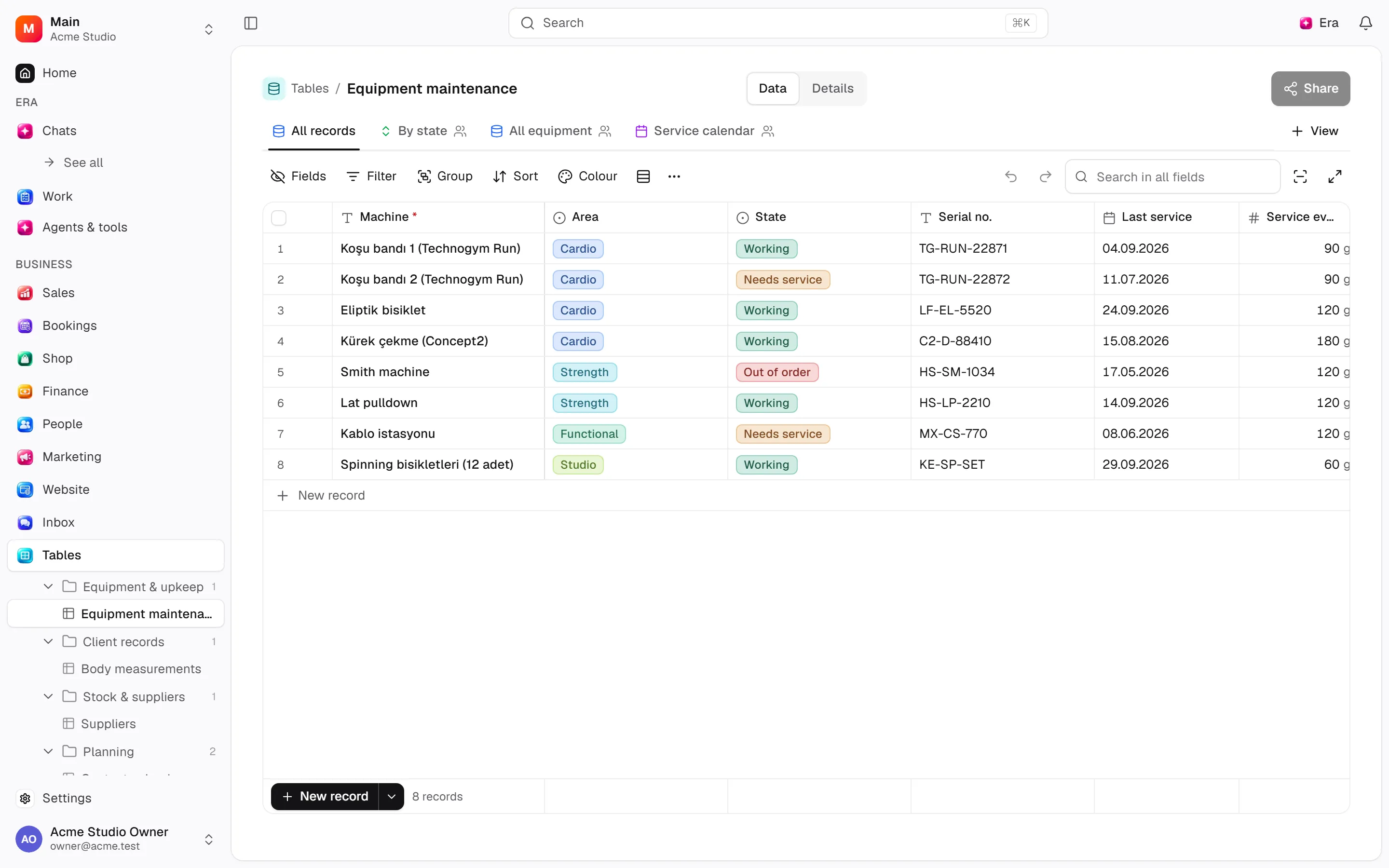
Step by step
Define the relation
Choose the target table and relation type and review its display field.
Link records
Use link/unlink to manage existing record relations; it does not create a new table.
Add a calculation
Lookup displays a linked field and rollup summarizes values. Formula cycles are refused.
What to know
Display fields identify picker records. Link/unlink changes relationships without creating tables.
Lookups expose related fields; rollups aggregate them. Formulas reference existing fields and cyclic dependencies are refused.
Inspect the relation diagram; resolve dependent calculations before removing relations/source fields.
Actions and permissions
| Operation and ID | Inputs | Permission | Screen or flow |
|---|---|---|---|
Link to another table · data.create_relation | Table *, Links to *, Each record here… *, Field name here *, Field name on the other table, When a parent record is deleted | Manage | /tables/[tableId] |
Link records · data.link_records | Link field *, Record *, Records to link * | Write | /tables/[tableId] |
Unlink records · data.unlink_records | Link field *, Record *, Records to unlink * | Write | /tables/[tableId] |
Add a lookup, rollup or formula · data.add_computed_field | Table *, Kind *, Name *, Key, Through the link, Field of the linked table, Summary, Formula, Field the code carries, When clicked, Link, Button text, Button colour | Manage | /tables/[tableId] |
Edit a computed field · data.update_computed_field | Field *, Name, Formula, Summary, Field of the linked table, Field the code carries, When clicked, Link, Button text, Button colour | Manage | /tables/[tableId] |
Settings and related guides
Ask Era
Prepare a requests table with customer, owner, status and date.