Pages menu and content settings
Paths, defaults and effects of each option.
Settings open as a drawer over your work; a direct URL can open a full page. On desktop choose the same product heading under Settings. Change values and Save; form validation and role permissions apply.
Usage guide
Content teams manage pages and the menu, blog/news and contact content; the same Site screen holds design and domains.
Browse this area
Website — modules and detailed settings
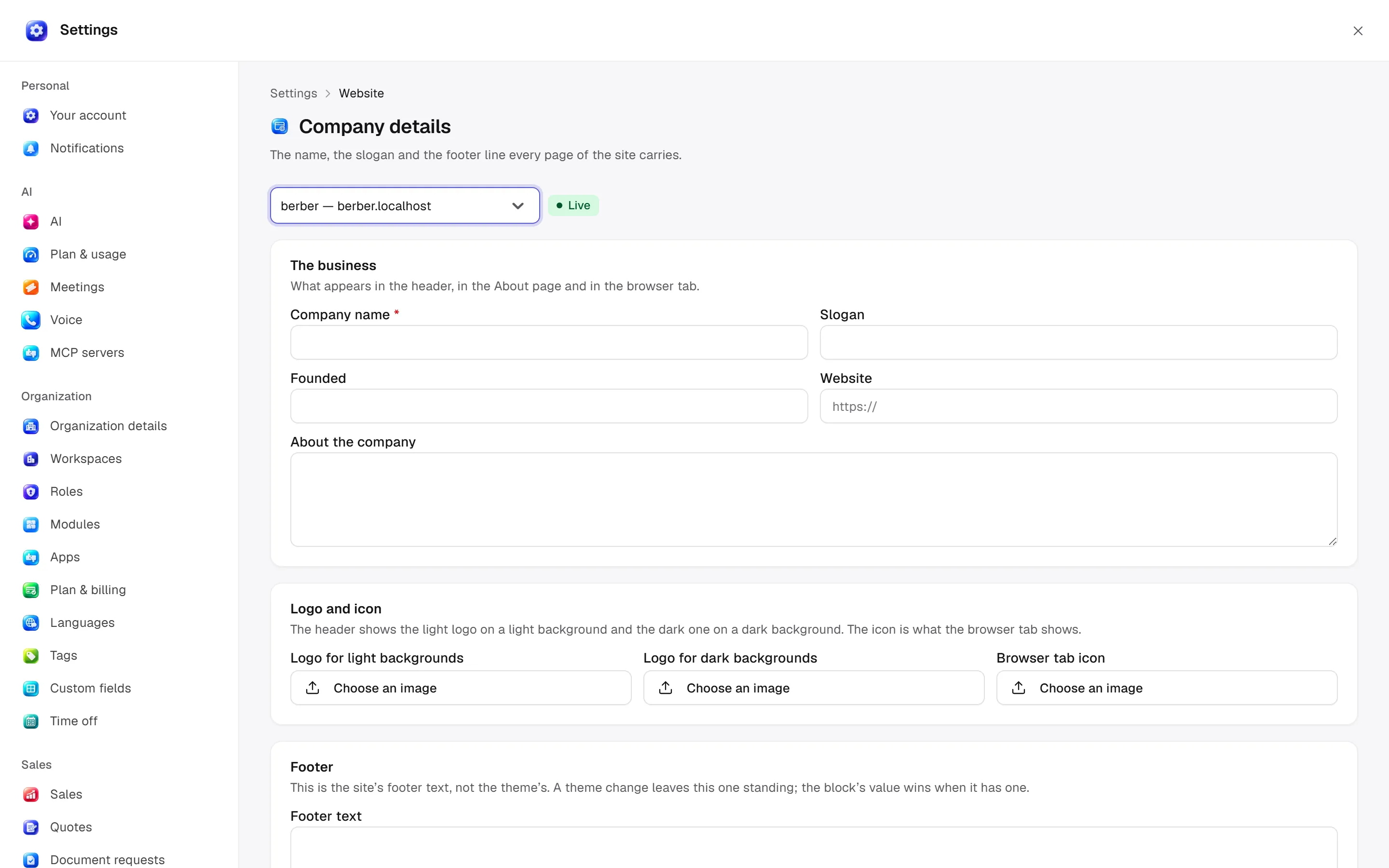
Company
Open settings · /settings/site
Set company name/slogan/founding year/website/about, light/dark logos/favicon, footer/copyright, SEO description/keywords. Page-level SEO overrides the site fallback.
Desktop: native settings panel.
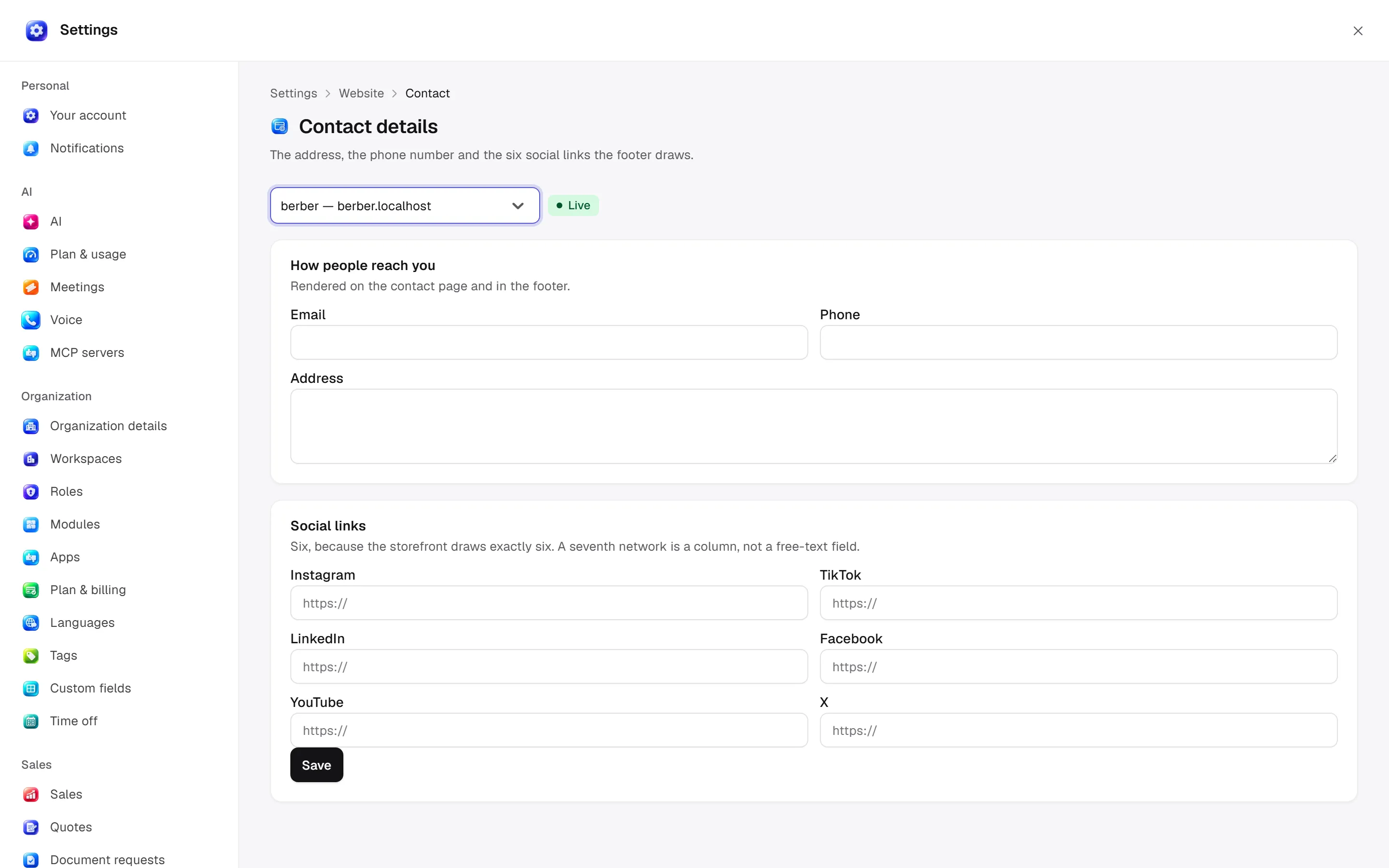
Contact
Open settings · /settings/site/contact
Email/phone/address and six social links feed the contact page/footer.
Desktop: native settings panel.
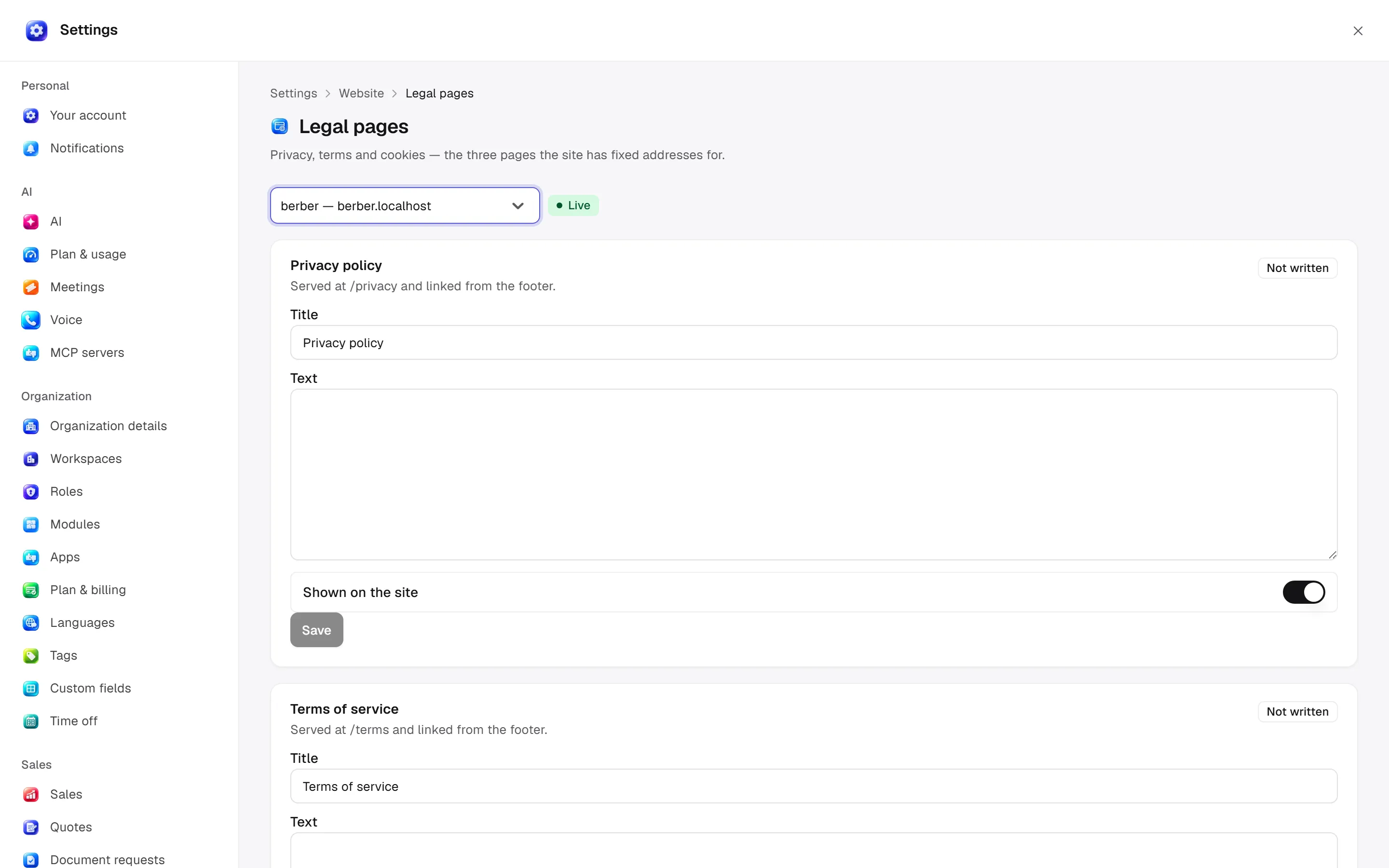
Legal pages
Open settings · /settings/site/policies
Privacy/terms/cookies: title/text/show-on-site switch. Each kind has a fixed route.
Desktop: native settings panel.
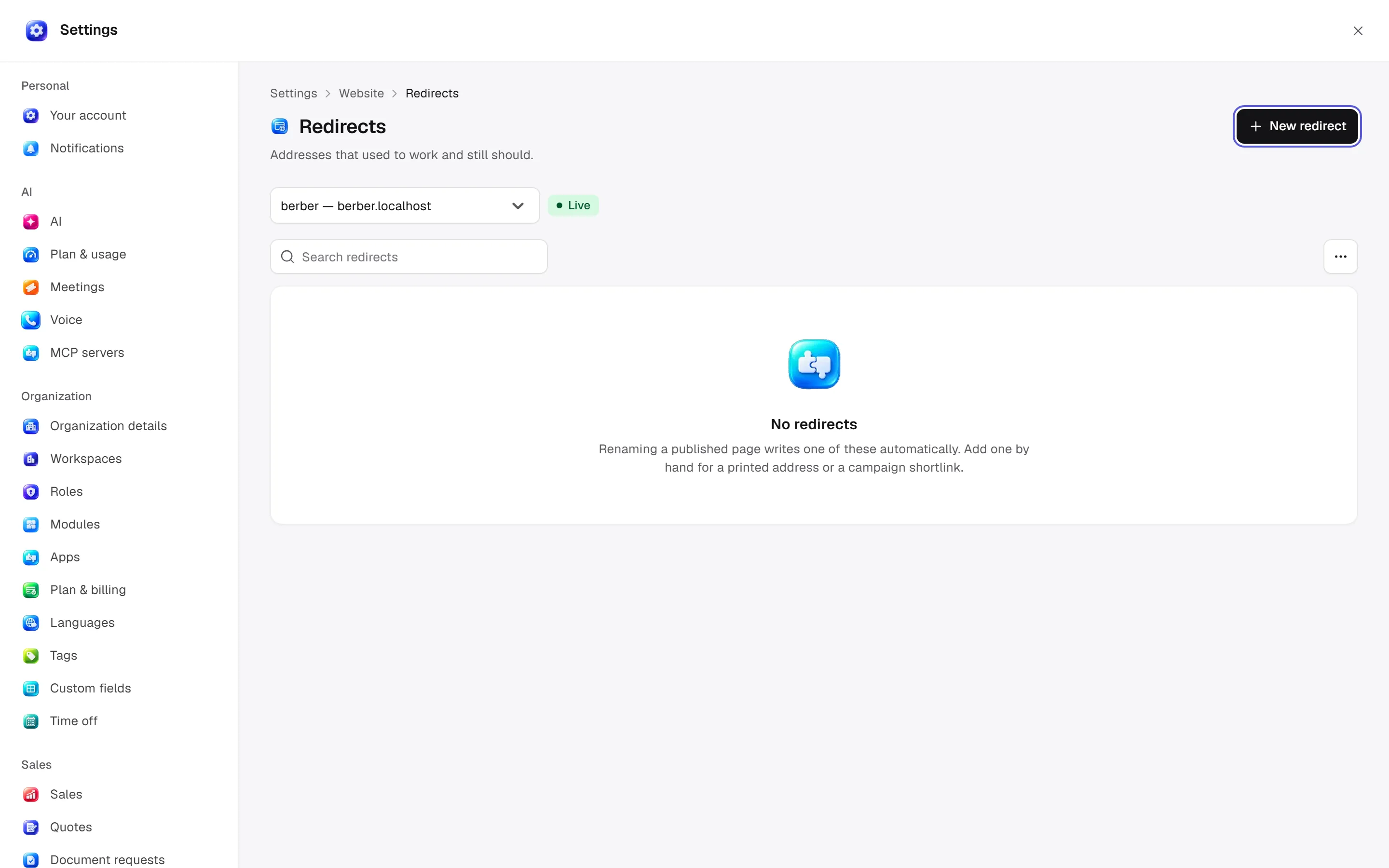
Redirects
Open settings · /settings/site/redirects
Old/new local paths, permanent 301/temporary 302 and reason. Paths start with / and contain no external host. Permanent redirects can be cached.
Desktop: native settings panel.
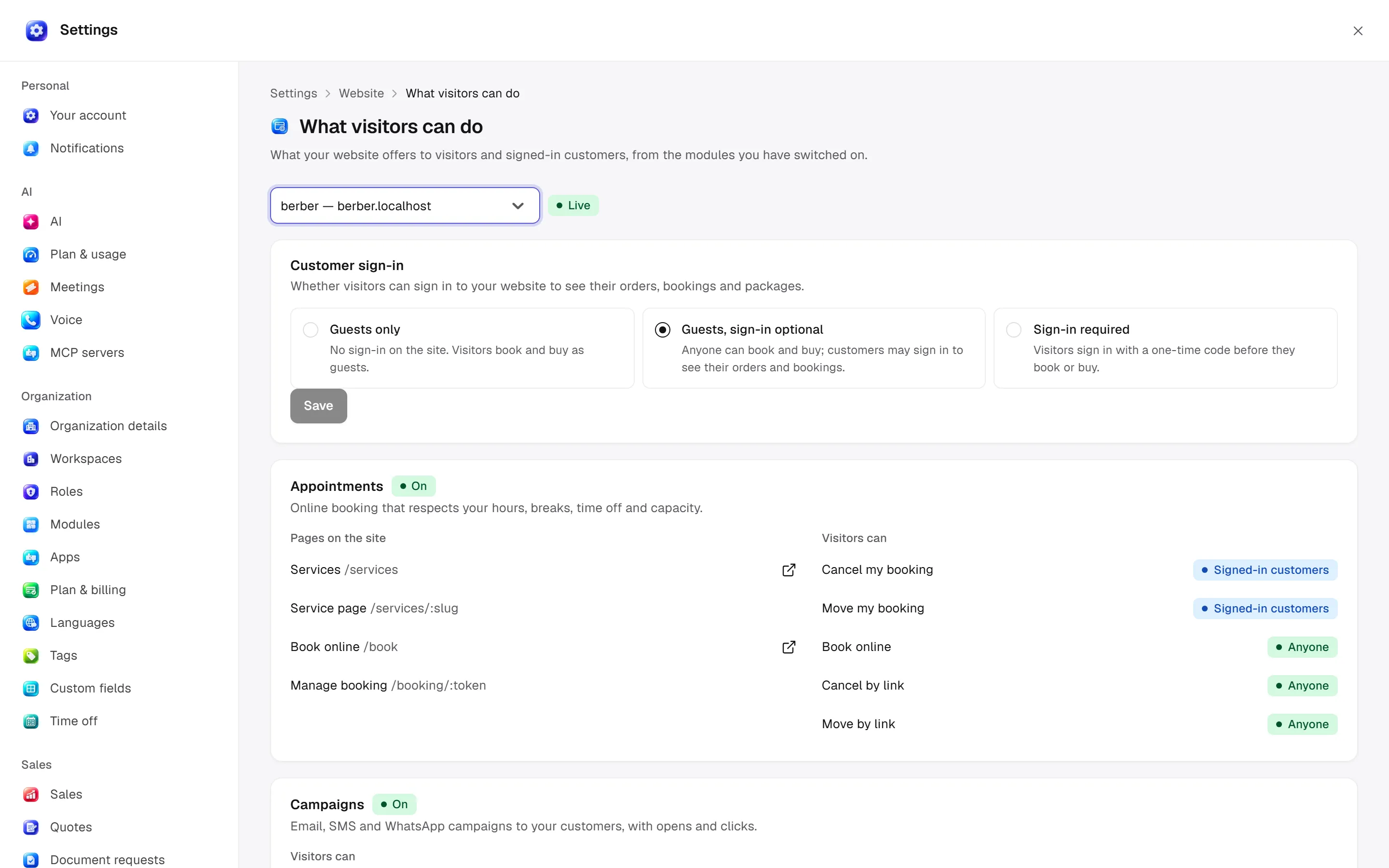
What visitors can do
Open settings · /settings/site/visitors
Choose guest/optional/required sign-in. Available visitor/customer routes depend on enabled modules. Enable a module before offering its site feature.
Desktop: native settings panel.
Defaults and behaviour options
This table lists contract defaults, not your saved workspace values. Location distinguishes visible controls from advanced configuration values.
| Option / key | Default | Effect and choices | Location |
|---|---|---|---|
Messages accepted per hour, from one address · contact_submissions_per_hour | 5 | Protects your contact form from spam. 0 accepts everything. | Advanced contract setting; no separate control verified |
New pages start as · default_page_status | draft | Draft by default. Choose “Published straight away” to publish new pages immediately. Choices: A draft, Published straight away | Advanced contract setting; no separate control verified |
Posts per page on the site · blog_page_size | 9 | How many posts the blog on your site shows per page. | Advanced contract setting; no separate control verified |
Permission: module manage is used for configuration; the main guide’s action table lists individual operation permissions.
Related guide
Technical sources
packages/os-kernel/src/modules/site.ts, apps/studio/app/(app)/settings/, apps/era-station/apps/web/src/era/business/screens/settings/pages/registry.tsx.