Theme editor and versions
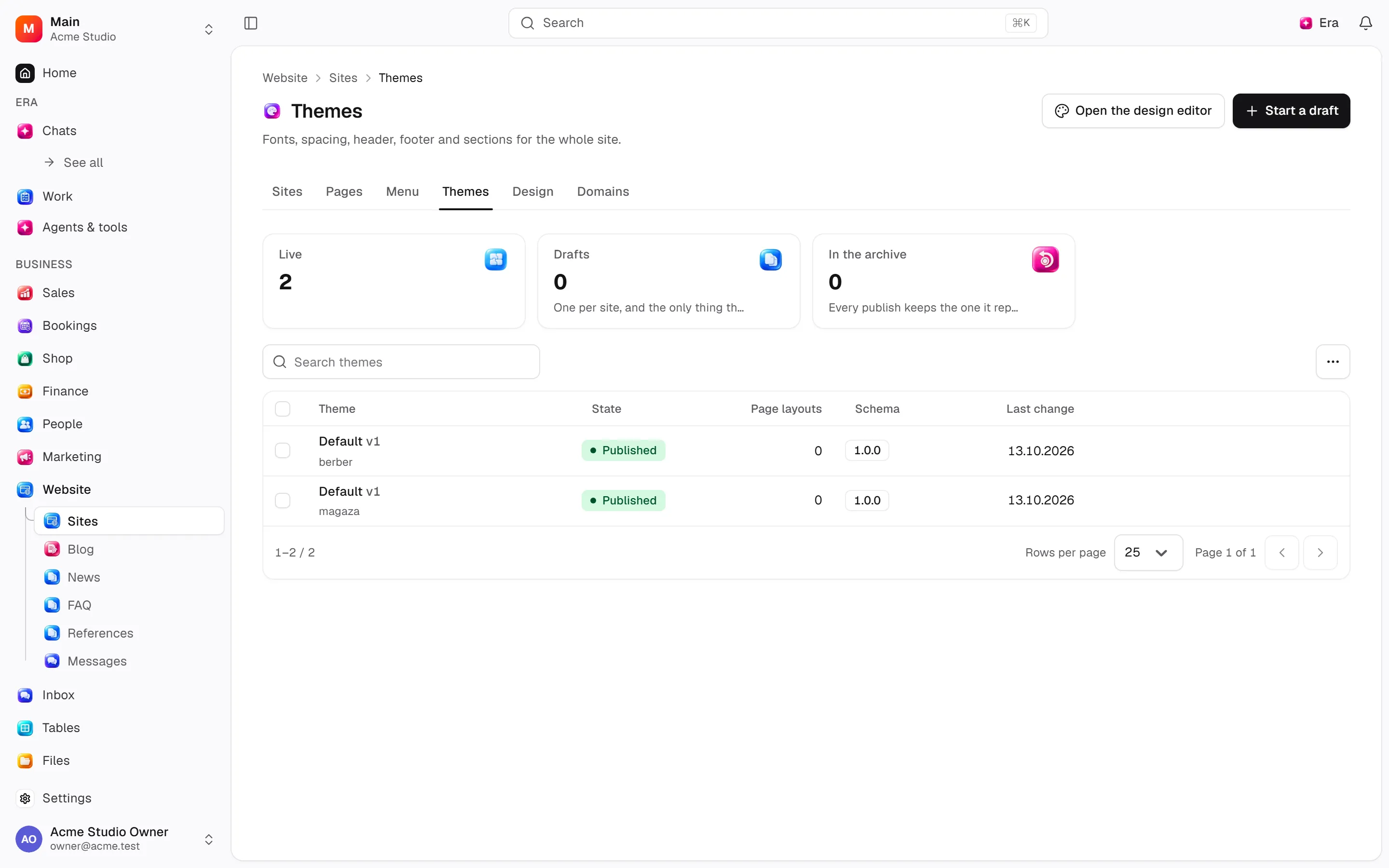
Edit and preview a site draft and choose a publication version.
Site › Design opens the editor. Any site can be designed — there is no site type.
Where
Web: Website · /sites/editor. Desktop: Business → Website.
Step by step
Open design
Open Site › Design, press Open the design editor, then choose a page and section.
Edit the draft
Adjust content, images, section order, colors and typography, then save the draft.
Review the version
Preview at different sizes and save a version. Manage publishing and scheduled dates separately.
What to know
One toolbar is the page header: on the left back, the trail (Website › Design › site name), the save state and undo/redo; in the middle the page, the preview size and the language; on the right Preview and Publish. The publish menu holds the pre-publish check and Open the live site; versions live in the left rail, themes under Style. Era works beside the editor in the Era panel (the Era button, or /): it sees the page and the selected section, and each change it makes is one undo step. When the section library finds nothing for your search, Describe it and Era builds it hands the search to that panel.
Select pages/sections, edit content/media and move/remove sections. Tokens style colours/type; chrome controls header/footer; widgets/SEO control other behaviour.
Save drafts, preview sizes and snapshot versions. Publication is separate; scheduled publication can be cancelled.
Snapshot restore and theme rollback are distinct. Desktop uses its ThemeEditorScreen surface.
Actions and permissions
| Operation and ID | Inputs | Permission | Screen or flow |
|---|---|---|---|
Save a theme draft · site.save_theme_draft | Theme *, Theme configuration * | Write | Record/API/visitor flow; no separate screen button mapped |
Save a page layout · site.set_page_blocks | Theme *, Page *, Blocks * | Write | /sites/design |
Restyle a theme · site.set_theme_tokens | Theme *, Palette, Typography, Layout, Dark mode, Motion | Write | /sites/design |
Set site widgets · site.set_site_widgets | Theme *, Widgets * | Write | Record/API/visitor flow; no separate screen button mapped |
Set the header and footer · site.set_chrome | Theme *, Header, Footer, Header sits at, Footer sits at | Write | /sites/design |
Set the search details · site.set_theme_seo | Theme *, Site defaults, Page, Page overrides | Write | /sites/design |
Roll back to a theme · site.rollback_theme | Theme * | Manage | /sites/design |
Save a site version · site.snapshot_theme | Theme *, Kind, Name | Manage | Record/API/visitor flow; no separate screen button mapped |
Schedule a theme · site.schedule_theme_publish | Theme *, Publish at * | Manage | Record/API/visitor flow; no separate screen button mapped |
Cancel a scheduled theme · site.cancel_theme_schedule | Theme * | Manage | Record/API/visitor flow; no separate screen button mapped |
Restore a site version · site.restore_theme_snapshot | Version * | Write | Record/API/visitor flow; no separate screen button mapped |
Settings and related guides
Ask Era
Restyle the homepage draft with our brand colours.