Business modulesInbox
Views search and folders
Narrow the support queue with saved views and bulk actions.
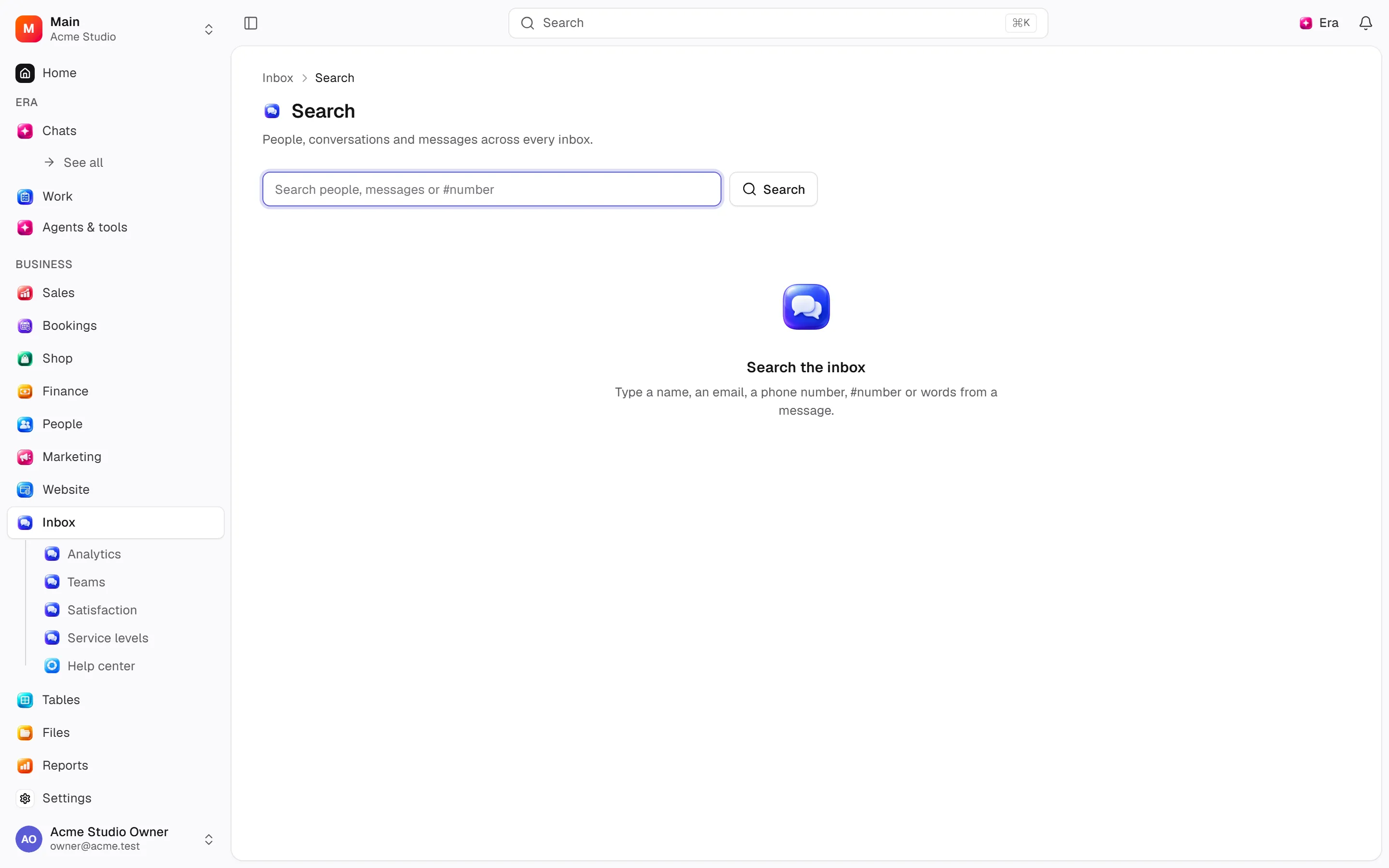
Filter queues by assignment/status and search channel/team/priority/customer.
Where
Web: Inbox · /inbox. Desktop: Business → Inbox.
Step by step
Narrow the queue
Filter by assignment, status, channel, team, priority and customer.
Save the view
Save the filtered view as a tab; a conversation can appear in several views.
Apply the action
Select conversations to bulk assign or change status. Sending a transcript email is an external action.
What to know
Save views as tabs and bulk update selected rows. Views do not move conversations into independent mail folders; one thread may match several.
Change customer, add followers, mark unread or mute. Emailing a transcript is an external operation.
Actions and permissions
| Operation and ID | Inputs | Permission | Screen or flow |
|---|---|---|---|
Mark read · inbox.mark_read | Conversation * | Read | Record/API/visitor flow; no separate screen button mapped |
Mark unread · inbox.mark_unread | Conversation * | Read | /inbox |
Add a follower · inbox.add_participant | Conversation *, Person * | Write | /inbox |
Remove a follower · inbox.remove_participant | Conversation *, Person * | Write | /inbox |
Move a conversation to another person · inbox.change_customer | Conversation *, Person * | Write | /inbox |
Change several conversations · inbox.bulk_update | Conversations *, Status, Snooze until, Assign to, Return to the queue, Team, Take off the team, Priority | Write | /inbox |
Mute · inbox.mute | Conversation * | Write | /inbox |
Unmute · inbox.unmute | Conversation * | Write | /inbox |
Email the transcript · inbox.send_transcript | Conversation *, Send to | Write | /inbox |
Settings and related guides
Ask Era
Summarise the conversation and draft a reply.