Conversations and support settings
Paths, defaults and effects of each option.
Settings open as a drawer over your work; a direct URL can open a full page. On desktop choose the same product heading under Settings. Change values and Save; form validation and role permissions apply.
Usage guide
Support teams answer connected channels with assignment, teams, priorities, status and customer context.
Browse this area
Inbox — modules and detailed settings
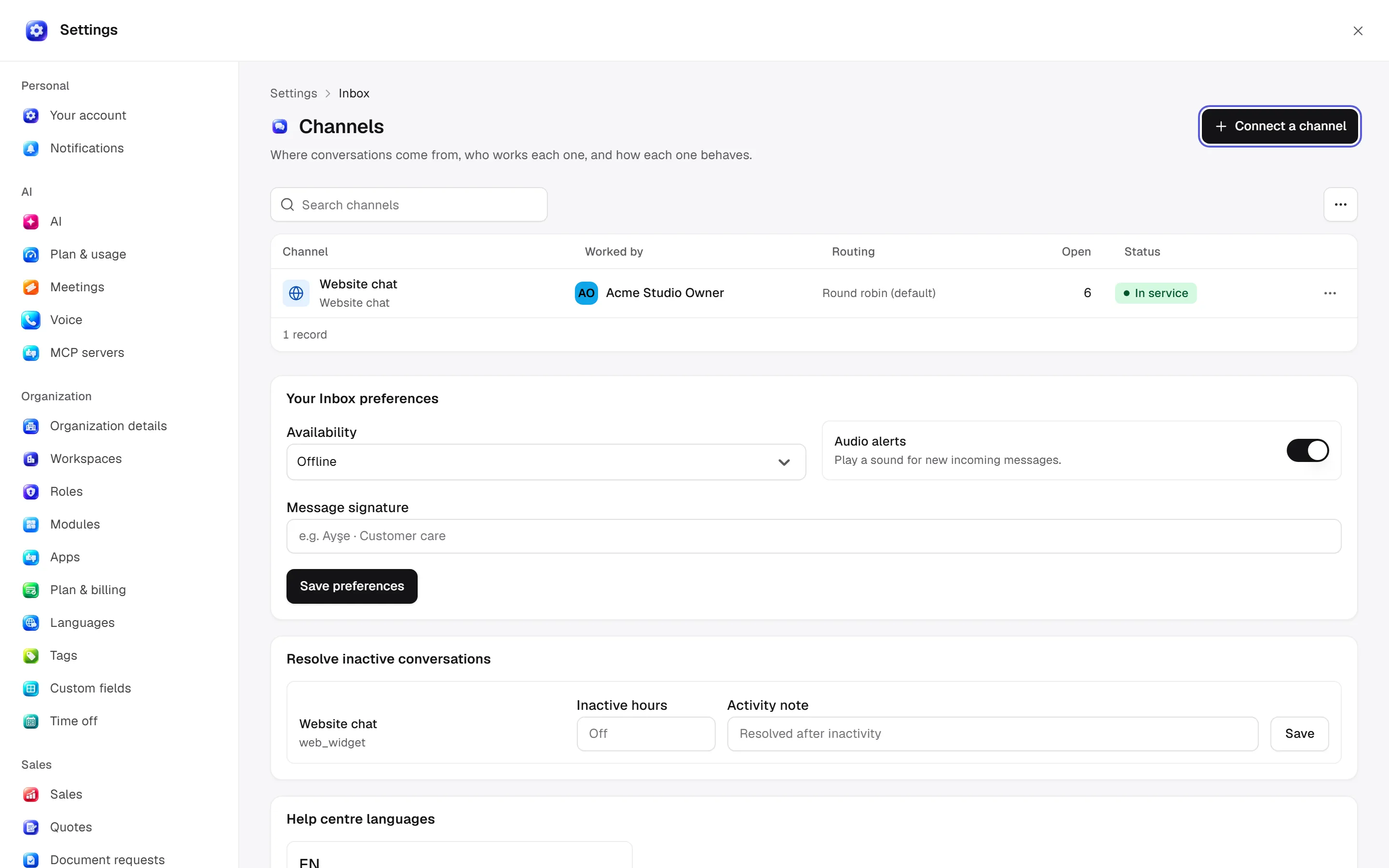
Channels
Open settings · /settings/inbox
Configure channel name/type/identifier, staff members, auto-assignment, routing, hours, auto-resolution and health. Test/edit members/reconnect/deactivate. OAuth mailbox selection is a separate connection step.
Desktop: native settings panel.
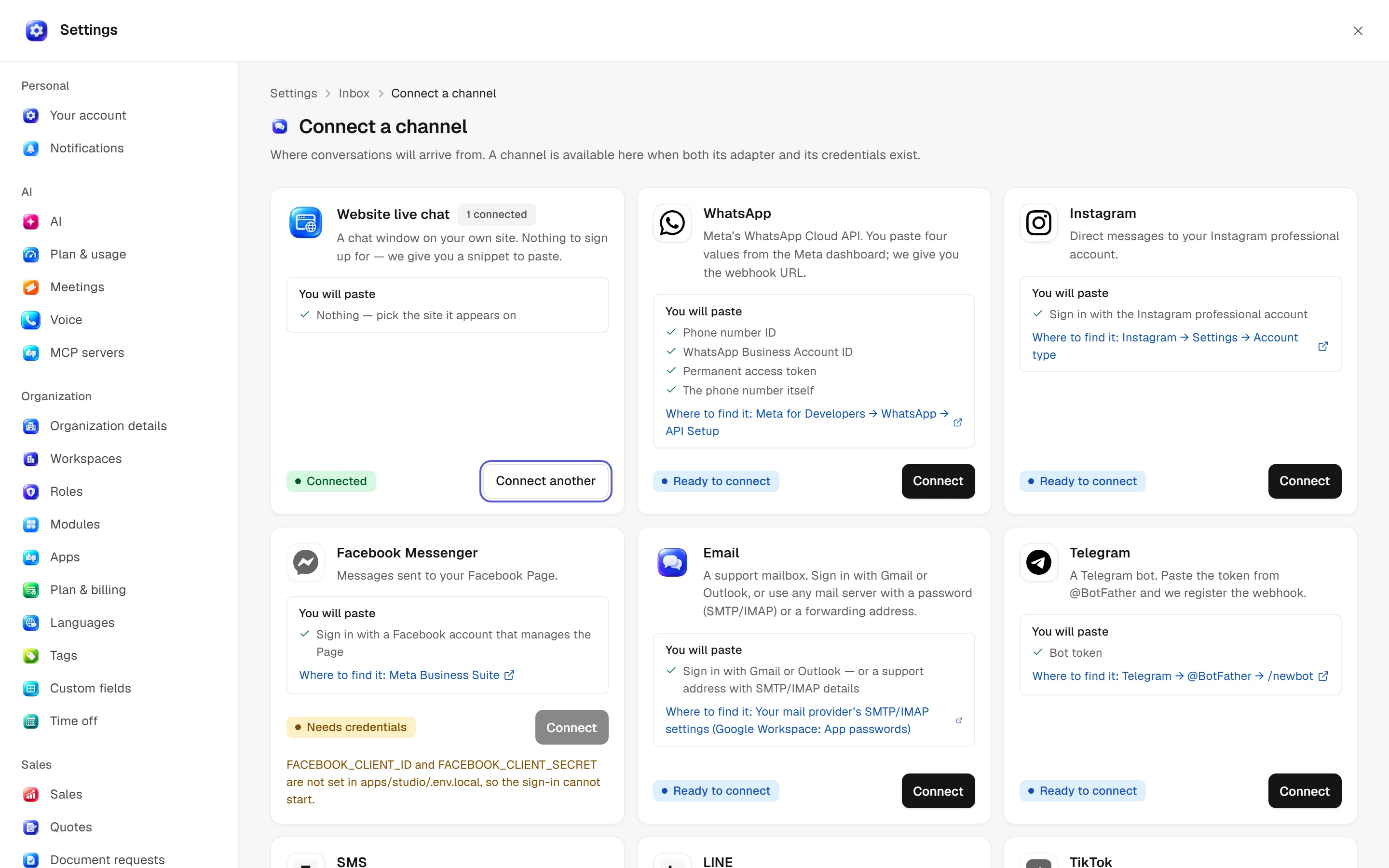
Connect a channel
Open settings · /settings/inbox/connect
Choose an available channel card and finish provider authorisation. Account/channel identifiers are required. WhatsApp signup opens on the registered web origin, including from desktop.
Desktop: native settings panel.
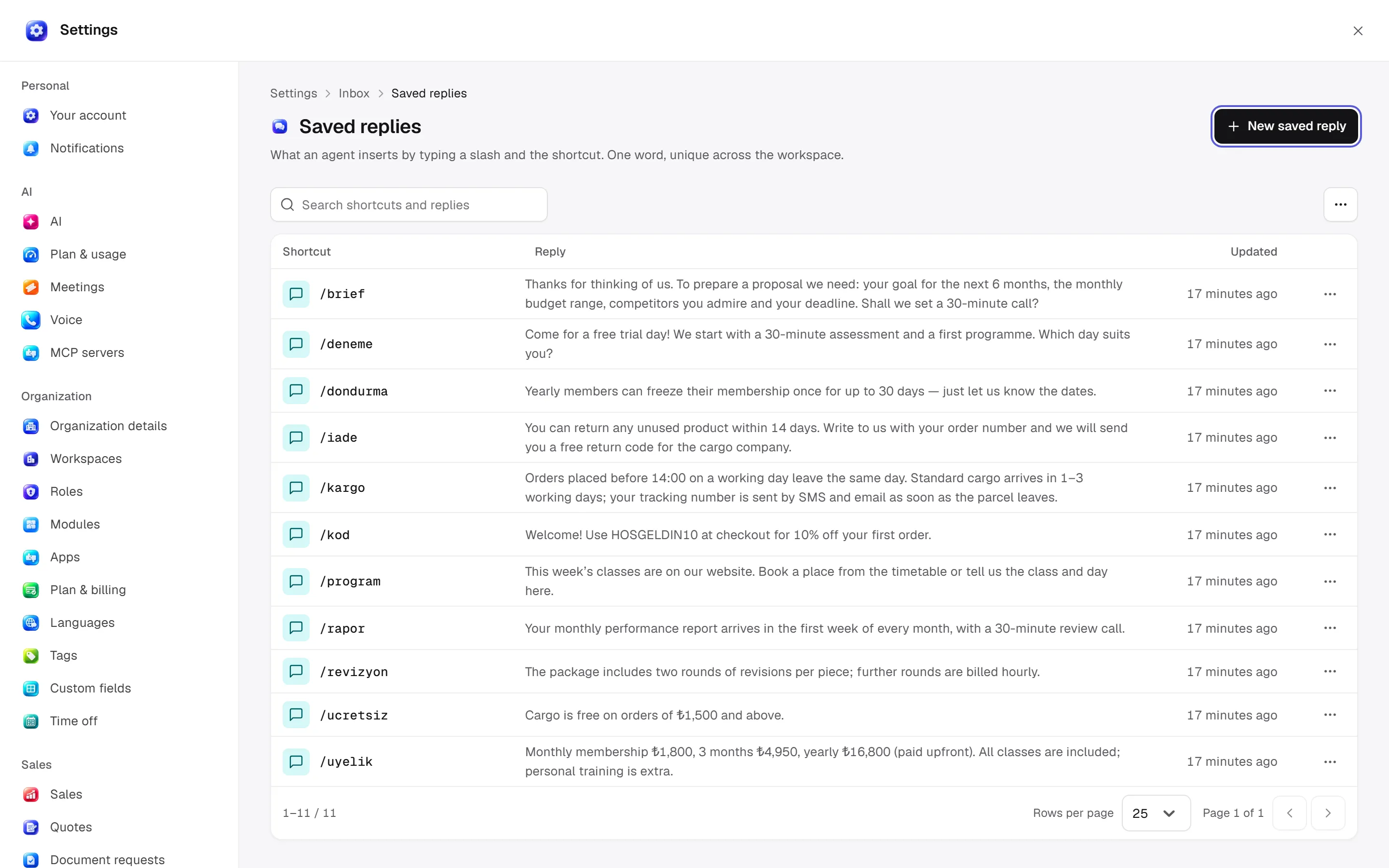
Saved replies
Open settings · /settings/inbox/canned-responses
Add/edit/delete shortcut and reply content. Shortcuts are unique single words within the workspace and insert through / in the composer.
Desktop: native settings panel.
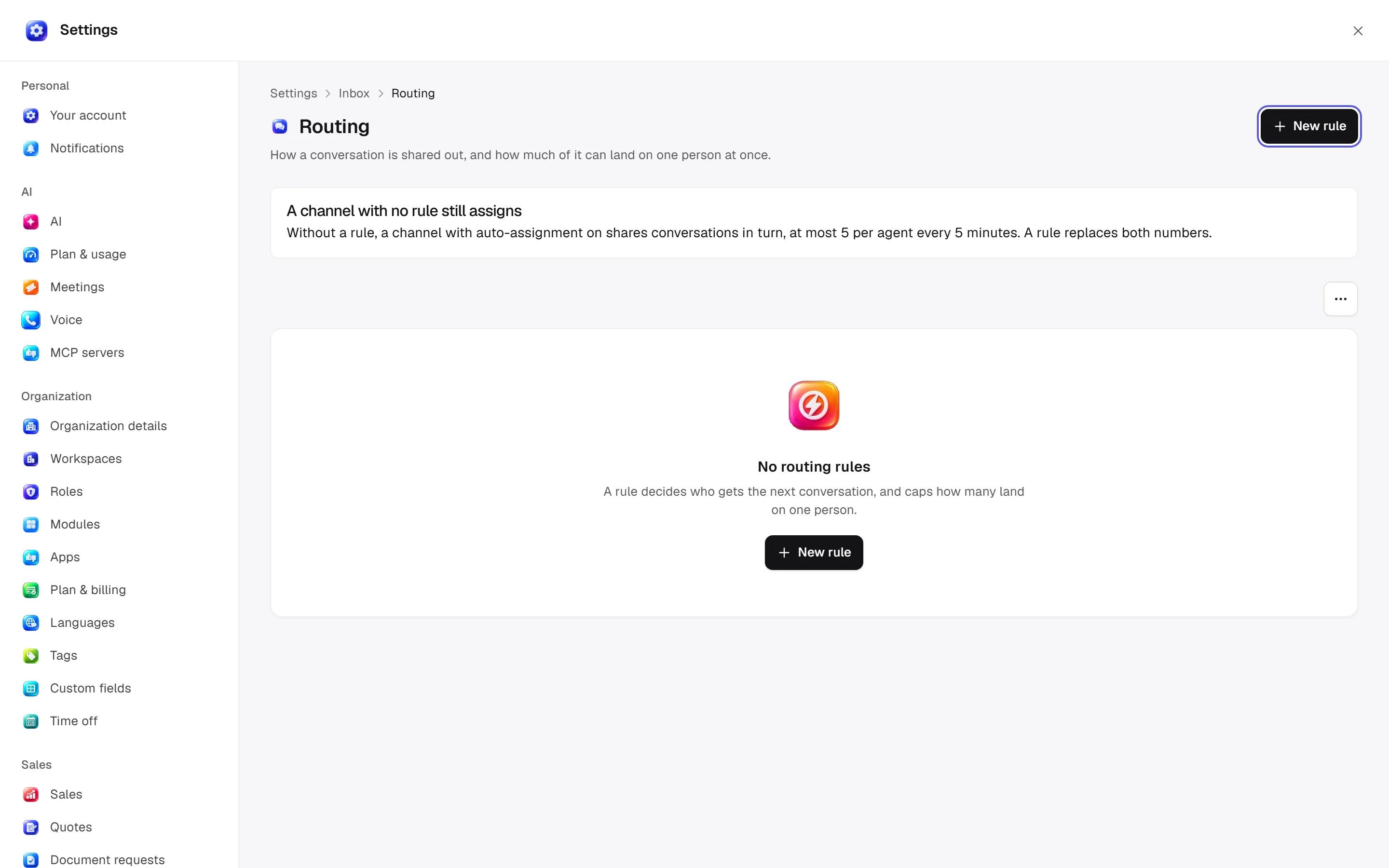
Routing
Open settings · /settings/inbox/routing
Name/description, round-robin or fewest-open strategy, oldest/longest-waiting queue, per-agent cap/window seconds and enabled state. Disabled rules refuse auto-assignment. Without a rule, defaults are at most 5 assignments/agent per 5 minutes.
Desktop: native settings panel.
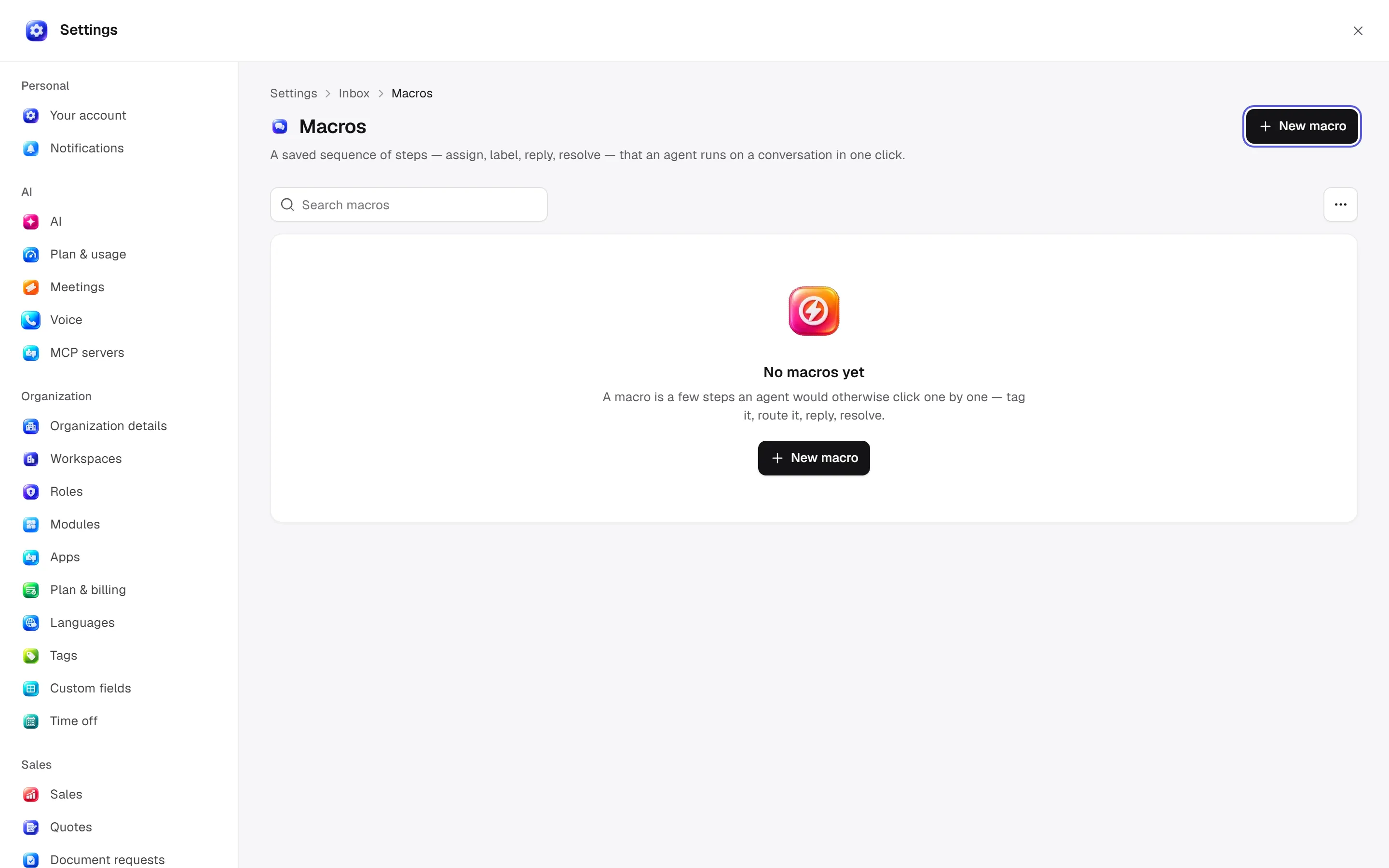
Macros
Open settings · /settings/inbox/macros
Name, personal/global visibility and ordered steps. Assignment/team/labels/priority/status/snooze/resolve/message/note/mute/transcript steps require their parameters. The runner needs each step’s permission.
Desktop: native settings panel.
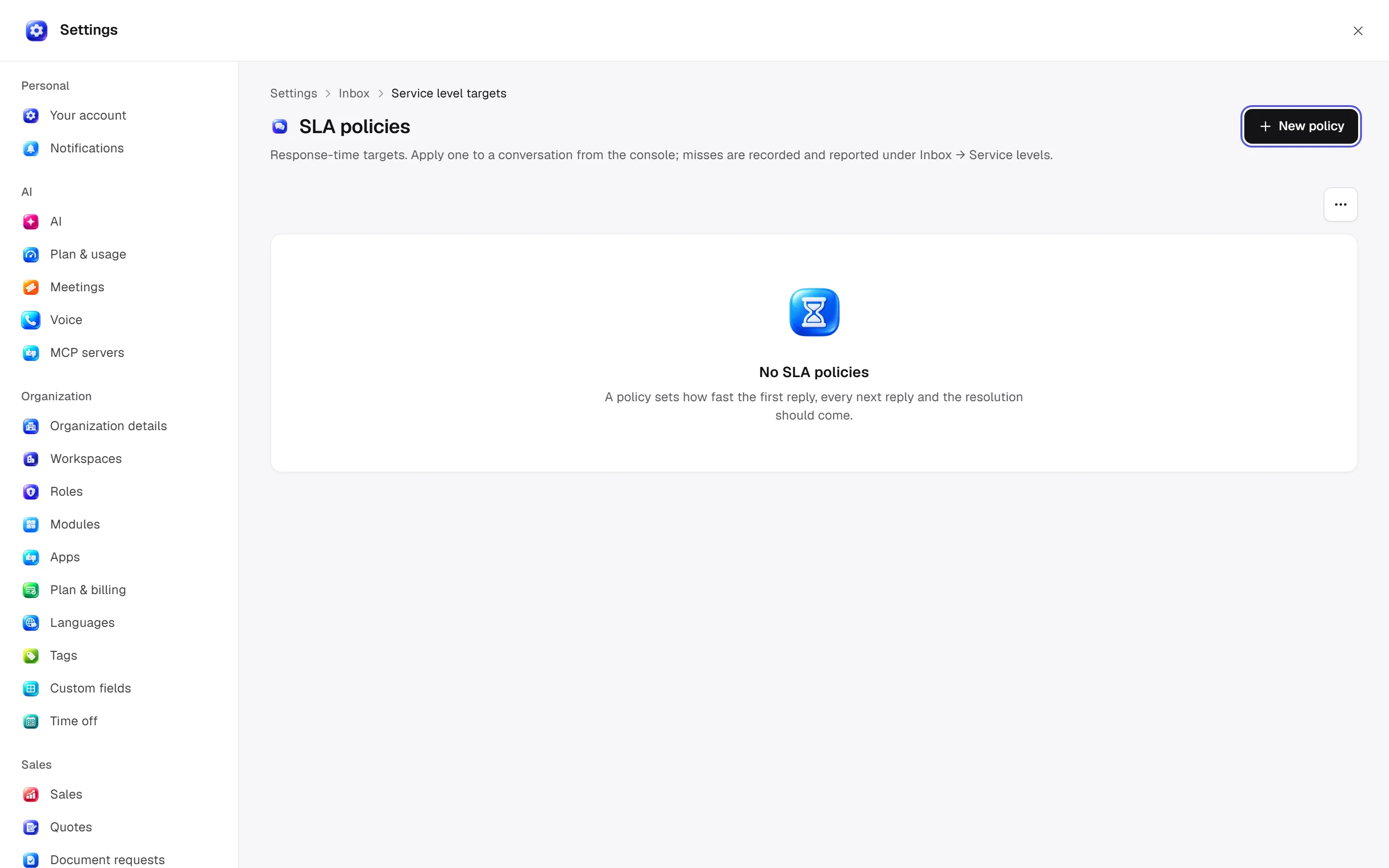
Service level targets
Open settings · /settings/inbox/sla
Name/description, first response, next response, resolution and business-hours-only clock. Blank targets are unmeasured; at least one is required. Policies in use cannot be deleted.
Desktop: native settings panel.
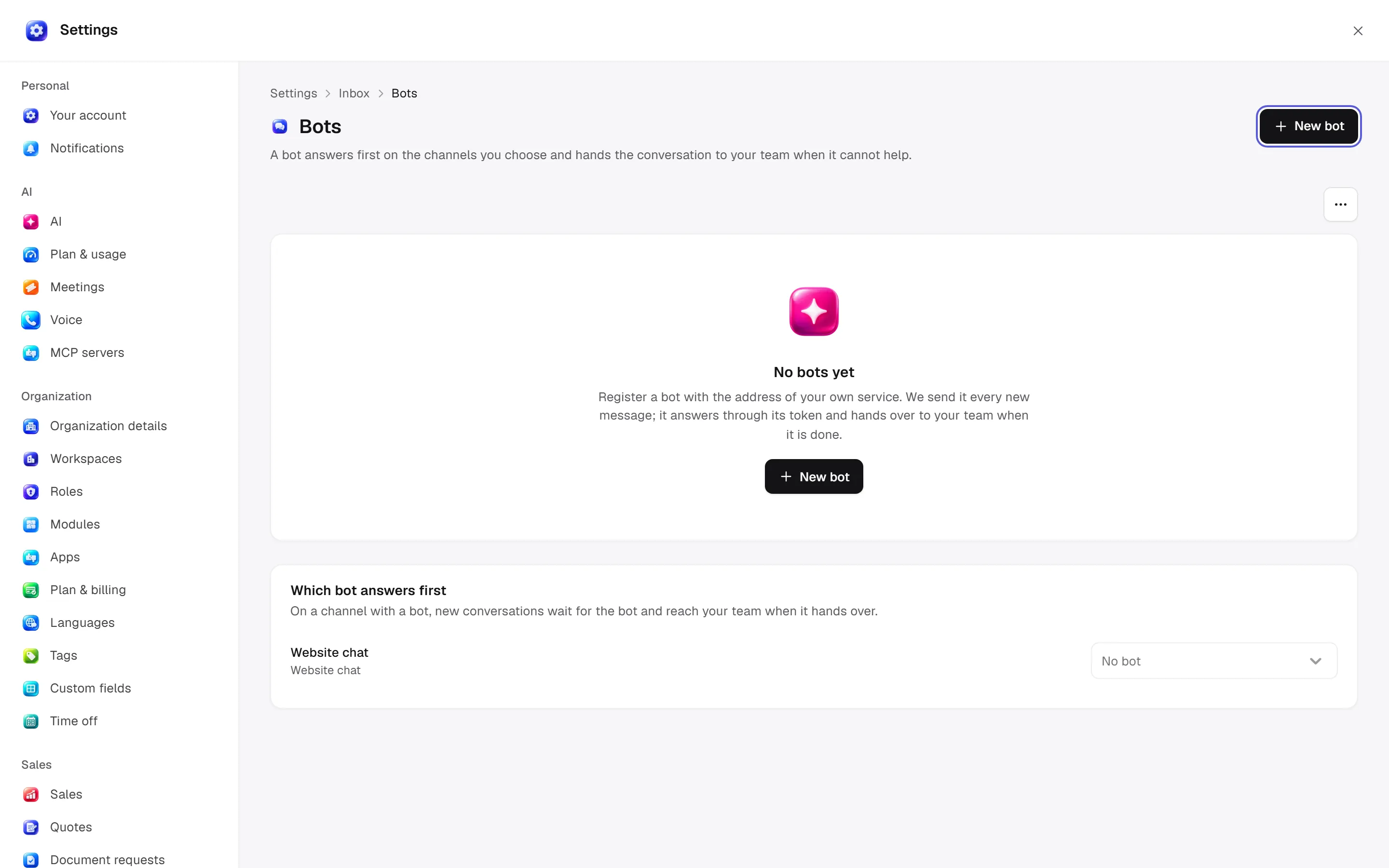
Bots
Open settings · /settings/inbox/bots
Bot name/endpoint/connection, credential reset/removal and channel assignment. Bots answer first and hand over when needed.
Desktop: native settings panel.
Defaults and behaviour options
This table lists contract defaults, not your saved workspace values. Location distinguishes visible controls from advanced configuration values.
| Option / key | Default | Effect and choices | Location |
|---|---|---|---|
Messages per conversation per minute · messages_per_minute_limit | 60 | Stops runaway automations from flooding a conversation. | Advanced contract setting; no separate control verified |
Attachments per message · attachments_per_message | 15 | The most files one message can carry. | Advanced contract setting; no separate control verified |
Permission: module manage is used for configuration; the main guide’s action table lists individual operation permissions.
Related guide
Related integrations
Open a guide for connection fields, account selection and app-specific limits.

Connection, actions and limits.

Connection, actions and limits.

Telegram
Connection, actions and limits.

Gmail
Connection, actions and limits.

Outlook
Connection, actions and limits.

Twilio
Connection, actions and limits.
Technical sources
packages/os-kernel/src/modules/inbox.ts, apps/studio/app/(app)/settings/, apps/era-station/apps/web/src/era/business/screens/settings/pages/registry.tsx.
Channel editor options
| Option | Effect |
|---|---|
| Use business hours | Applies channel opening hours. |
| Timezone and weekdays | Choose intervals, 24-hour opening or closed per day. |
| Out-of-office message | Text shown outside working hours. |
| Satisfaction scale | Five faces or five stars. |
| Survey message and button | Rating request copy and button text for link channels. |
| Survey label rule | Send when labels are present or except when present; enable the survey itself in channel settings. |
| Twilio SMS | Account SID, sending number, optional Messaging Service SID and token. |
| Netgsm SMS | Subscriber number, approved sender title and connection details. |
| Email SMTP | Host, port, user, password and direct TLS; port 465 uses TLS from the start. |
| Email IMAP | Host, port, user and password for incoming mail. |
| Gmail/Outlook | OAuth mailbox selection; existing server settings remain. |
| LINE | Token and channel secret. |
| Allowed domains | Restricts web-widget origins. |
| Identity verification key | Verifies widget visitor identity; options require verification and rotate on save. |
| Replace token/password | Vault values are replaced rather than read back. Local-development environment-variable names are a separate option. |
Do not display real connection identifiers in screenshots. Available providers depend on adapters and account health.
Automation rules
Open /settings/inbox/automation-rules on web or desktop. Create a rule by choosing an Inbox event and its first action. Edit conditions and action inputs in the existing workflow designer, then deploy. Pause or resume an event subscription from the row menu. These are workflows; no second automation engine is used.