Product types and attributes settings
Paths, defaults and effects of each option.
Settings open as a drawer over your work; a direct URL can open a full page. On desktop choose the same product heading under Settings. Change values and Save; form validation and role permissions apply.
Usage guide
Catalog managers define reusable properties; product types decide product/variant attribute sets.
Browse this area
Shop — modules and detailed settings
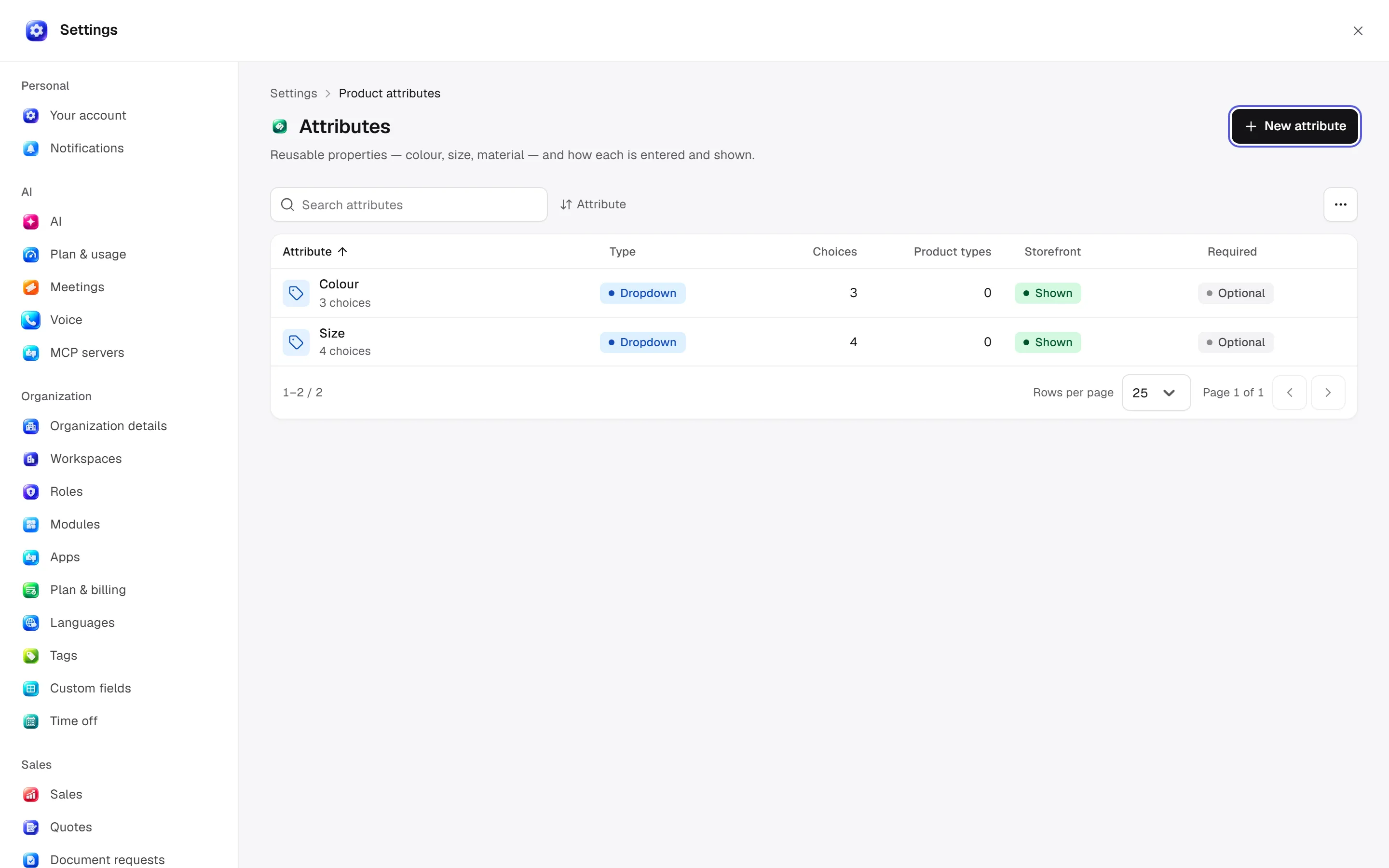
Attributes
Open settings · /settings/attributes
Attributes: name/code/input type/reference target/unit/choices. Records control required/variant-only/storefront visibility/filtering/list filter/column/search order. Swatches use colour or image, not both.
Desktop: native settings panel.
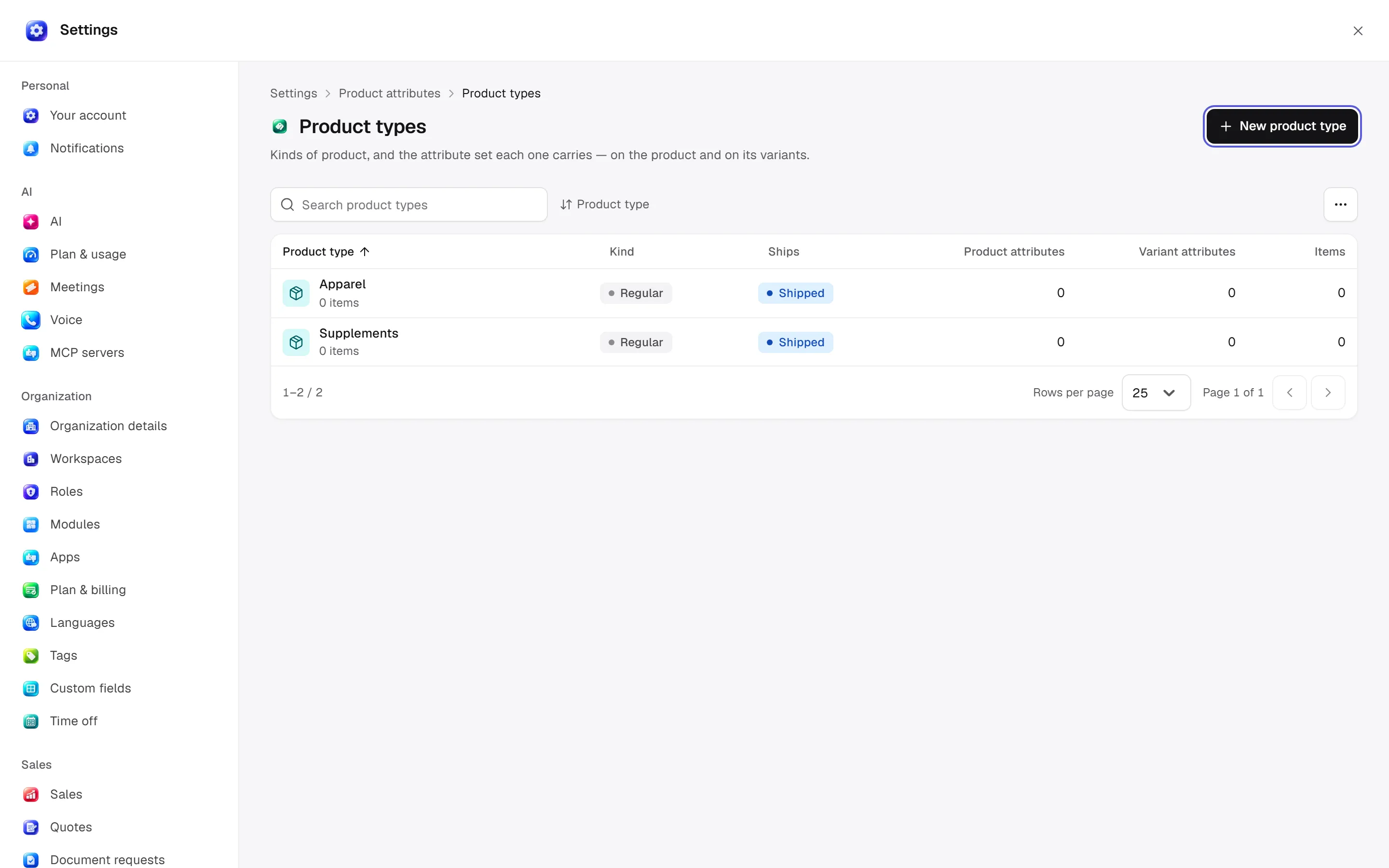
Product types
Open settings · /settings/attributes/product-types
Types: name/regular or gift-card kind/shipping/default grams. Assign/order/remove product/variant attributes and eligible variant pickers. Types in use cannot be deleted.
Desktop: native settings panel.
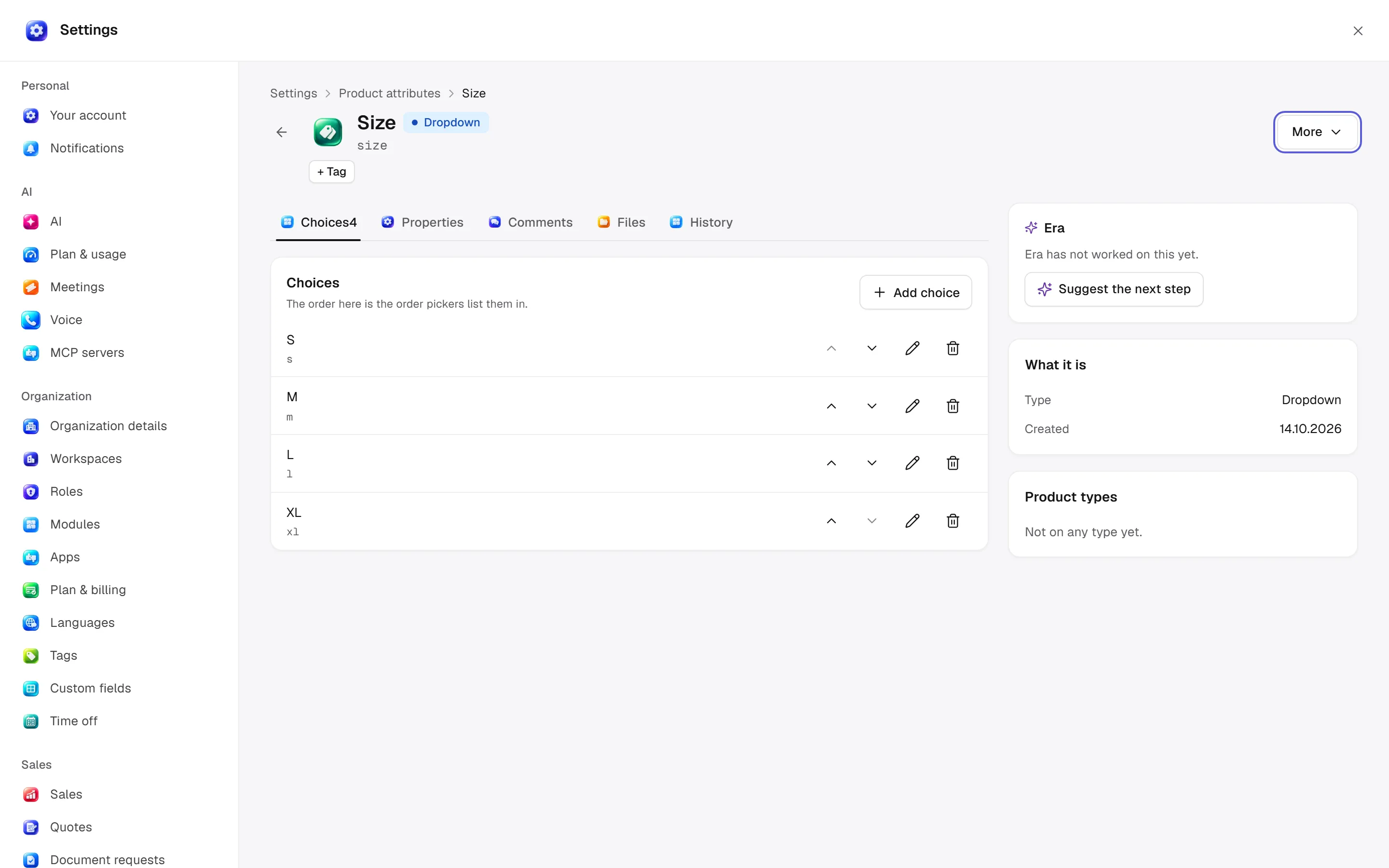
Record details
/settings/attributes/[id] · /settings/attributes/[id]
This record configuration applies to its own fields; action inputs below identify its options.
Desktop: native settings panel.
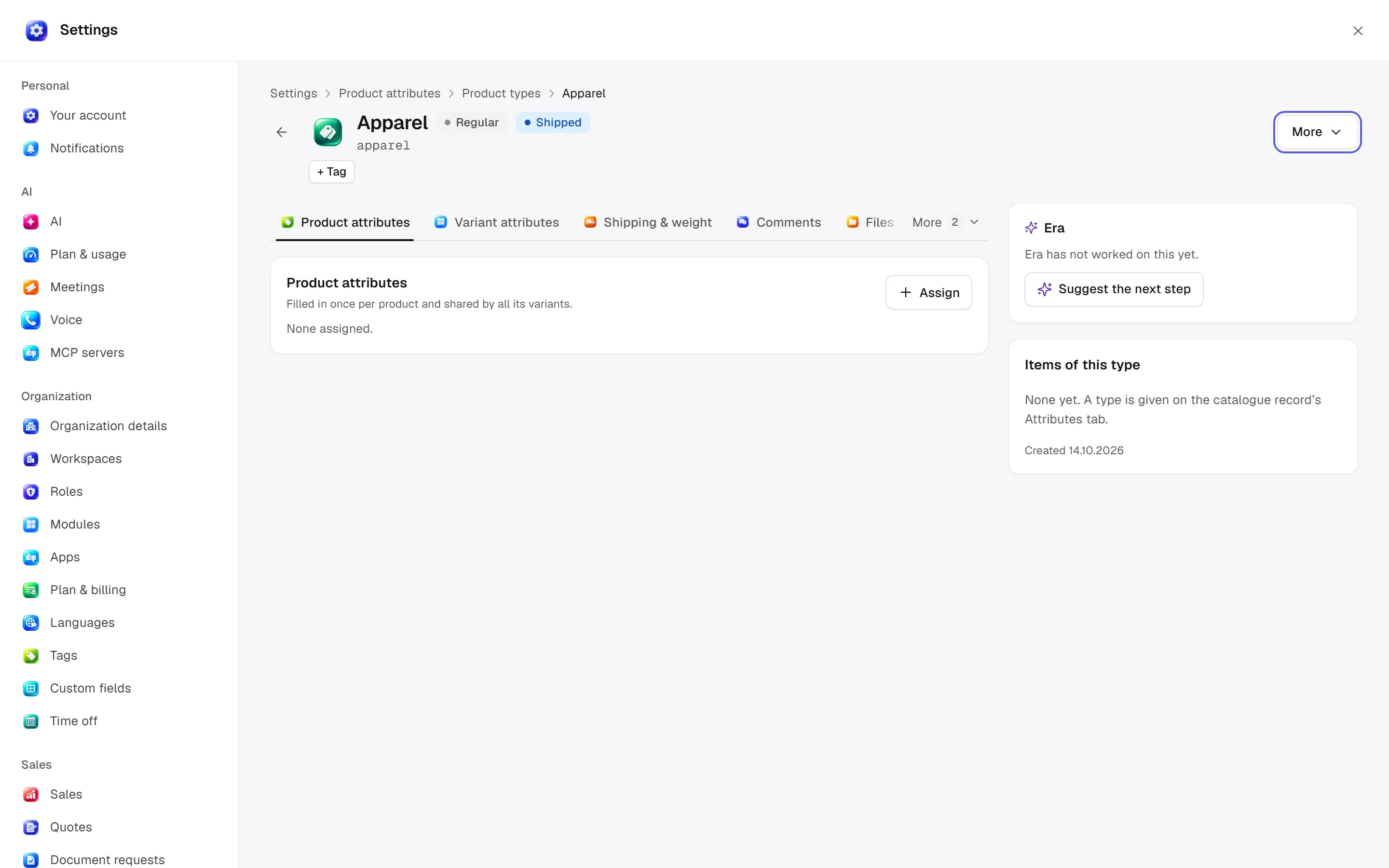
Record details
/settings/attributes/product-types/[id] · /settings/attributes/product-types/[id]
This record configuration applies to its own fields; action inputs below identify its options.
Desktop: native settings panel.
Permission: module manage is used for configuration; the main guide’s action table lists individual operation permissions.
Related guide
Technical sources
packages/os-kernel/src/modules/attributes.ts, apps/studio/app/(app)/settings/, apps/era-station/apps/web/src/era/business/screens/settings/pages/registry.tsx.
All attribute input types
Dropdown is a single choice; Multi select multiple choices; Swatch colour/image; Yes/no boolean; Number numeric; Plain text unformatted; Rich text formatted; Date a date; Date and time a timestamp; File an attachment; References multiple references; Single reference one reference. Targets are products, variants or categories. Choice values can be renamed/reordered.
Units include length (mm, cm, dm, m, km, ft, yd, inch), area (sq_mm, sq_cm, sq_dm, sq_m, sq_km, sq_ft, sq_yd, sq_inch), volume (cubic_millimeter, cubic_centimeter, cubic_decimeter, cubic_meter, liter, cubic_foot, cubic_inch, cubic_yard, qt, pint, fl_oz, acre_in, acre_ft) and mass (g, lb, oz, kg, tonne). A unit describes the number; it does not promise automatic conversion.