Business modulesShop
Returns and refunds
Track returned goods, stock outcomes and payment refunds separately.
Open a return on the order, receive and inspect items.
Where
Web: Shop · /shop/orders. Desktop: Business → Shop.
Step by step
Open the return
Create the return on the order, receive the goods and inspect them.
Record acceptance
Review the accepted quantity and its stock outcome.
Track the money
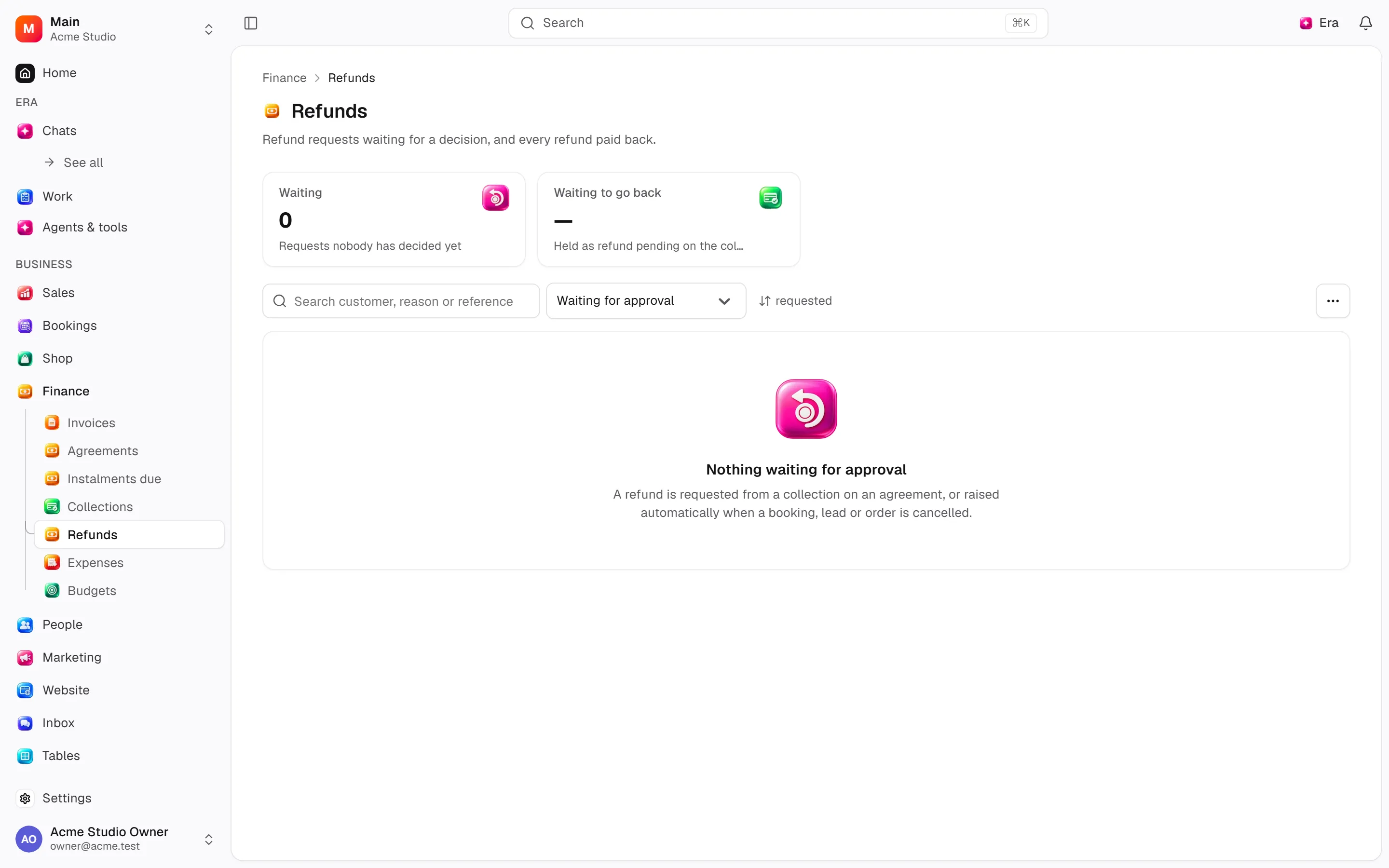
Follow the refund request in Finance and review its approval or refusal.
What to know
Accepted quantities tie into stock/return records. Closing a return does not imply a successful money transfer.
Refund amounts/approval are separate; inspect Finance requests and decisions. Cancelling fulfilment differs from cancelling an order.
Refund reasons live in Shop settings.
Actions and permissions
| Operation and ID | Inputs | Permission | Screen or flow |
|---|---|---|---|
Cancel a despatch · retail.cancel_fulfilment | Despatch * | Handle automated delivery/jobs | /shop/orders/[id] |
Record a return · retail.return_products | Order *, Lines * | Handle automated delivery/jobs | /shop/orders/[id] |
Open a return · retail.request_return | Order *, Lines *, Reason, Note | Handle automated delivery/jobs | /shop/orders/[id] |
Receive a return · retail.receive_return | Return *, Lines | Handle automated delivery/jobs | /shop/orders/[id] |
Inspect a return · retail.inspect_return | Return *, Lines * | Handle automated delivery/jobs | /shop/orders/[id] |
Close a return · retail.close_return | Return * | Handle automated delivery/jobs | /shop/orders/[id] |
Refuse a return · retail.reject_return | Return *, Reason | Handle automated delivery/jobs | /shop/orders/[id] |
Grant a refund · retail.grant_refund | Order *, Amount, Lines, Include delivery, Reason, Return | Manage | /shop/orders/[id] |
Settings and related guides
Ask Era
Show payment and stock gaps on orders awaiting fulfilment.